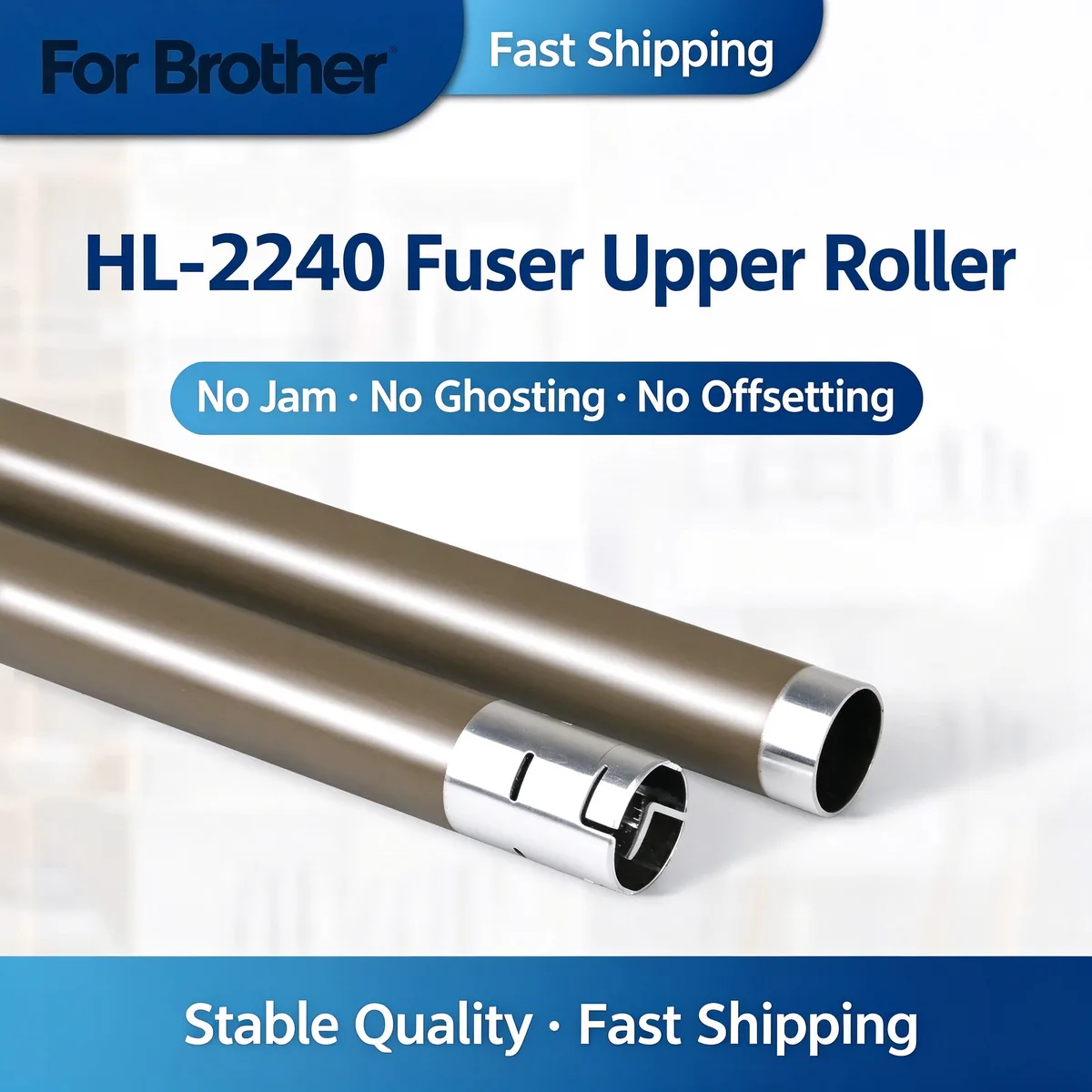
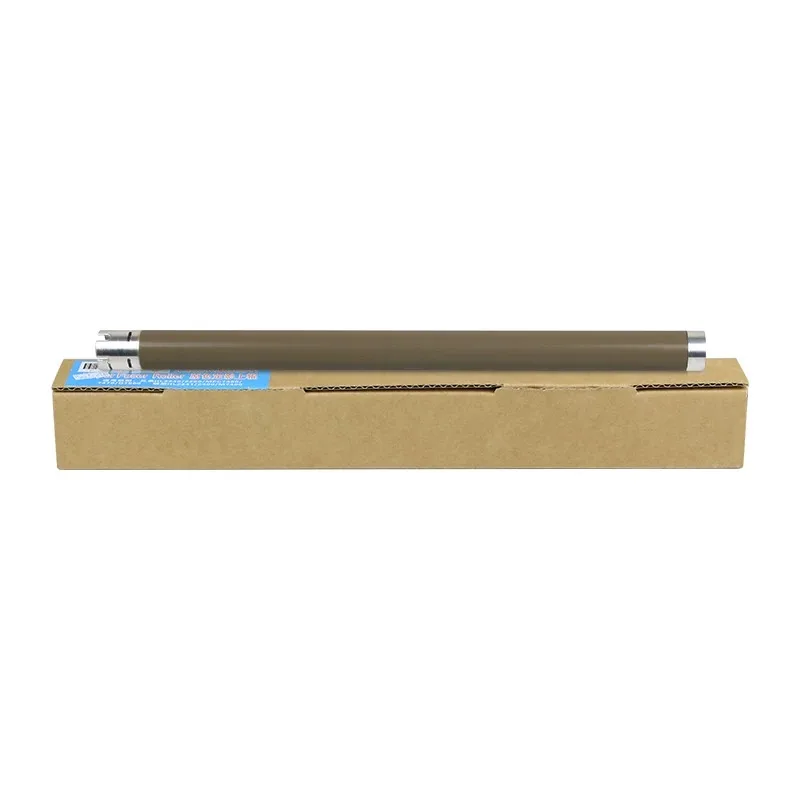
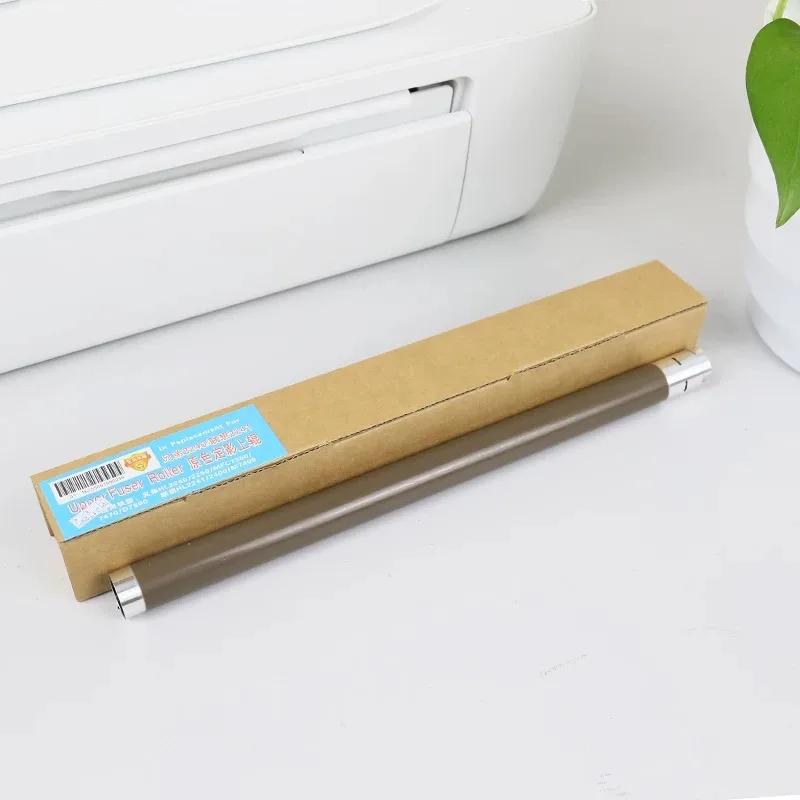
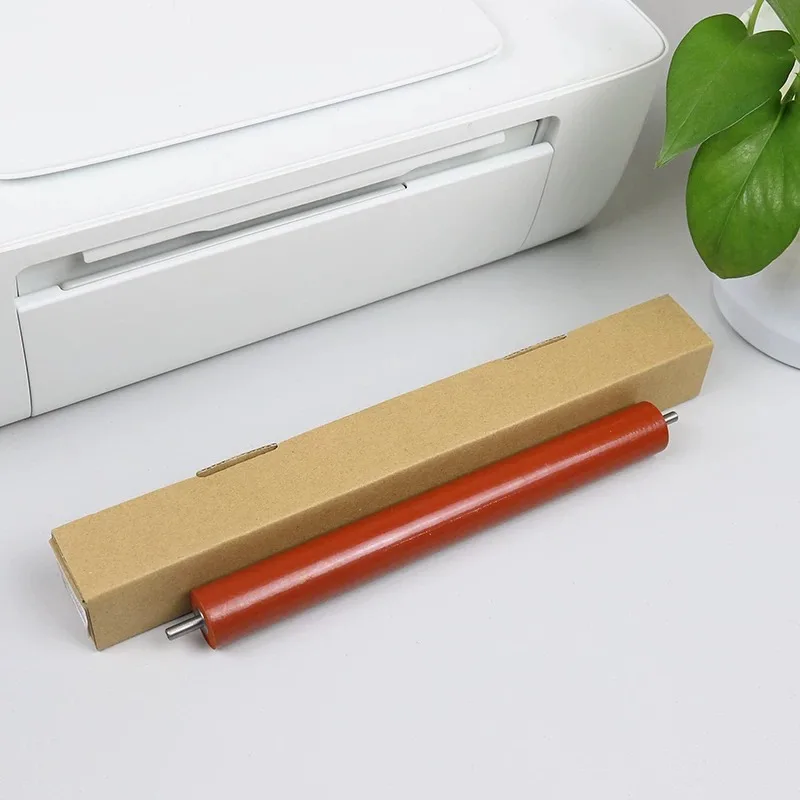
Fuser Assembly Component — This fuser component applies heat and pressure to bond toner to the paper. Pick the part by failure mode — poor fusing points to the pressure side, repeating image defects point to the roller surface.
This fuser upper heat roller ensures proper toner fusing onto paper. It fixes ghosting, smudging and paper jam issues on compatible Brother printers. No jam, no ghosting, no offsetting.
For Brother HL-2240 Fuser Upper Roller fits Brother HL-2240, MFC-7360, DCP-7060D, DCP-7470D and 6 more listed below. Not suitable for: Machines running at a different fusing temperature without confirming the layer rating first. Match the part number to your machine before ordering.
Updated: 2026-09-26 · Technical review for fuser assembly components
| Parameter | Value | Condition / method |
|---|---|---|
| Outer layer | PFA / PTFE sleeve or silicone rubber, OE-matched thickness | Coating thickness gauge |
| Core material | Aluminium or steel, machined to OE diameter | Vernier caliper |
| Temperature range | Continuous operation at fuser working temperature | Bench run on the host machine |
| Roundness | Held within 0.05 mm TIR | Dial indicator on centres |
| Compliance | RoHS / REACH | Supplier declaration per batch |
| Printer model | Status |
|---|---|
| Brother HL-2240 | Verified fitment |
| MFC-7360 | Verified fitment |
| DCP-7060D | Verified fitment |
| DCP-7470D | Verified fitment |
| DCP-7057 | Verified fitment |
| MFC-7860DN | Verified fitment |
| HL-2130 | Verified fitment |
| DCP-7055 | Verified fitment |
| HL-2250DN | Verified fitment |
| HL-2240D | Verified fitment |
If your machine is not listed, send us the model and a photo of the original part — parts that look alike within the same family are frequently not interchangeable.
| Symptom | Mechanism |
|---|---|
| Toner rubs off the page or smears | Fusing temperature or pressure is below spec — check the pressure roller first |
| Print repeats a defect at a regular interval | Roller surface is damaged at that circumference |
| Paper exits wrinkled or creased | Uneven nip pressure across the roller |
| Sleeve slips or makes a squealing noise | Worn sleeve or failed release-oil film |
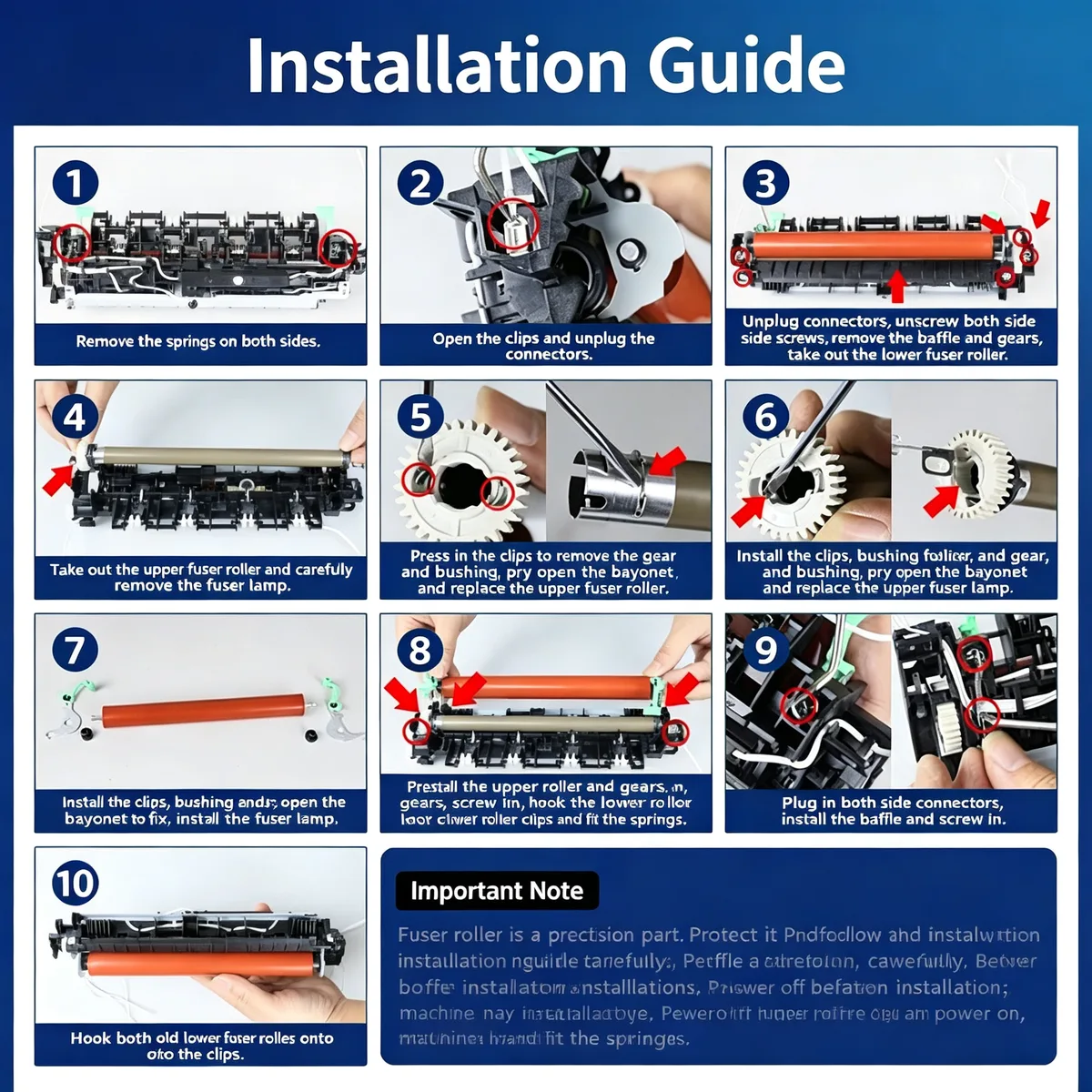
Allow the fuser to cool completely before opening it. Note the bushing and spring orientation on the old part before removal. Handle sleeves with clean gloves; fingerprints bake into the surface and become permanent print defects.
Q: What is the MOQ?
A: 200 pcs per part number for stocked fuser rollers; 100 pcs for complete assemblies.
Q: How do you test them?
A: Every batch is run on the host machine type for fusing quality and checked for roundness before packing.
Q: Can you supply the whole fuser unit?
A: Yes. Complete assemblies are stocked for high-volume models; ask for the current list.
Q: What is the lead time?
A: 15–30 days for stock items, 30–45 days when new tooling is needed.
Send your enquiry — quote within 12 hours
Inspect both before ordering. Scoring or a repeated defect pattern on the print points to the roller whose circumference matches the repeat distance. Flattened or cracked rubber on the lower roller means the pressure side has failed. When both look worn, replacing one simply transfers the load to the new part and shortens its life.
Check the thermistor and the pressure springs before blaming the roller. Low nip pressure from tired springs produces exactly the same symptom as a worn roller, and a new roller will not fix it.
Yes. We ship by sea, air and express to North America, Europe, South America, the Middle East and South-East Asia, and we handle export documentation. Send the destination port or airport and the quantity, and we will quote FOB, CIF or DDP as you prefer.
Parts are warranted against manufacturing defects and are bench-tested on the host machine type before packing. Fitment-related claims need the part reported before installation. Send us the part number and quantity and we will state the exact term for that item in writing.
Stock items ship in 15–30 days; new tooling takes 30–45 days. We ship by sea, air and express under FOB, CIF or DDP Incoterms, and payment is T/T or L/C at sight. Give us the destination port and quantity for a firm schedule.
Yes. Custom logo, printed polybag, blister or retail box are all available, and we can tool new compounds or geometries from a drawing or sample. Minimum quantities for custom work are higher than for stock parts — send the specification and we will quote both.
Browse the full printer spare parts catalog, or see how we manufacture and test.
Bulk & Mixed Batch · Reply within 12h