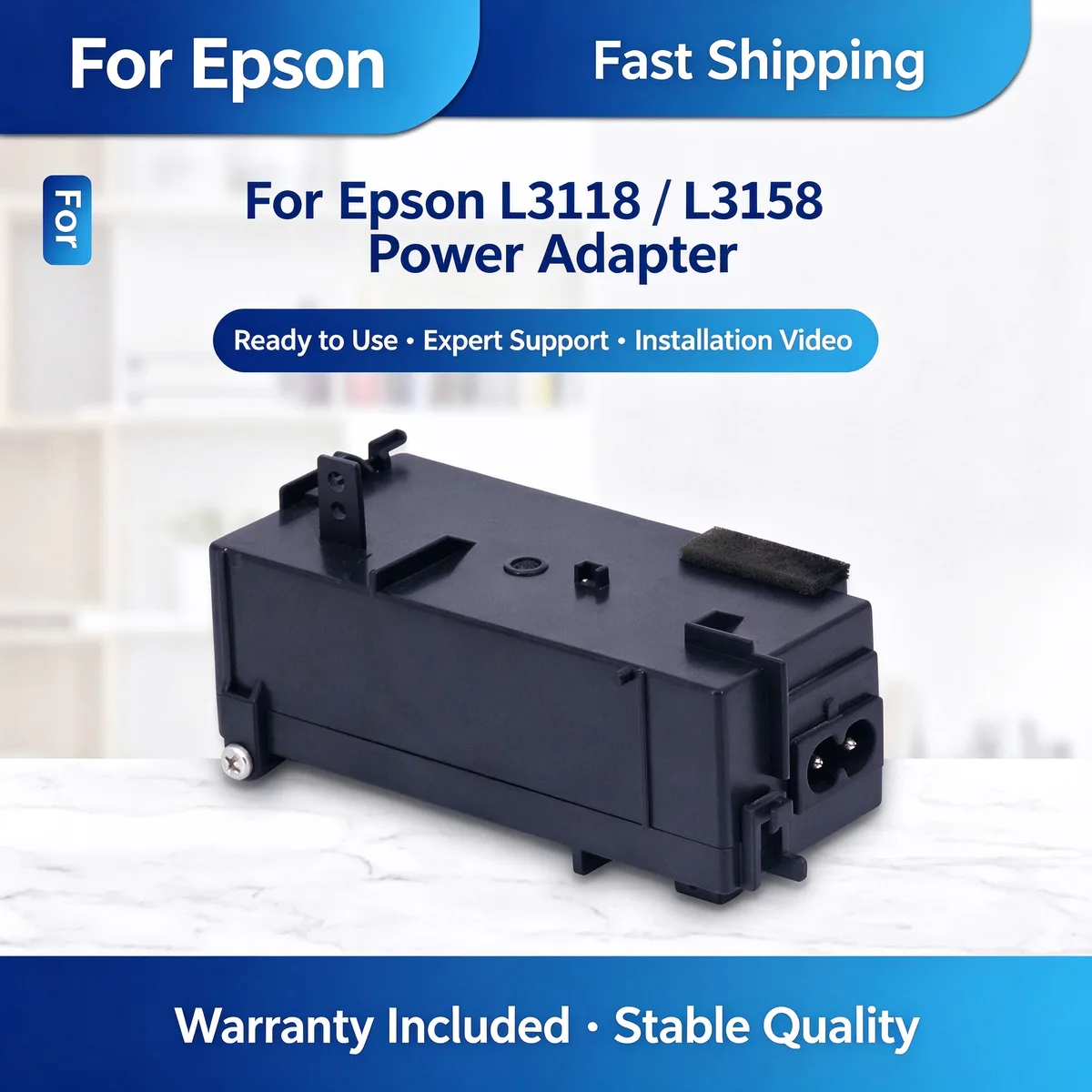
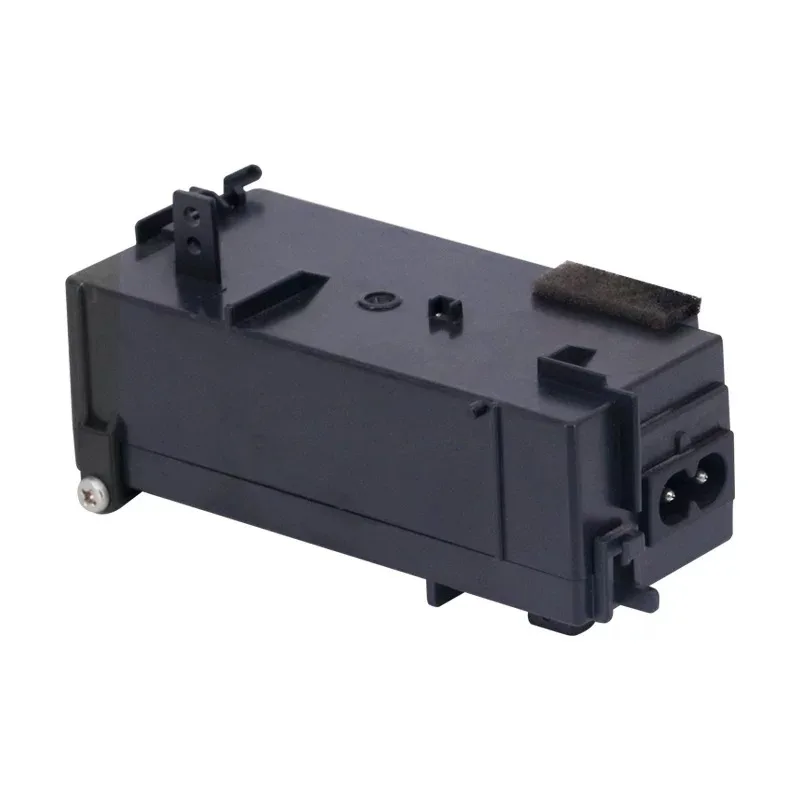
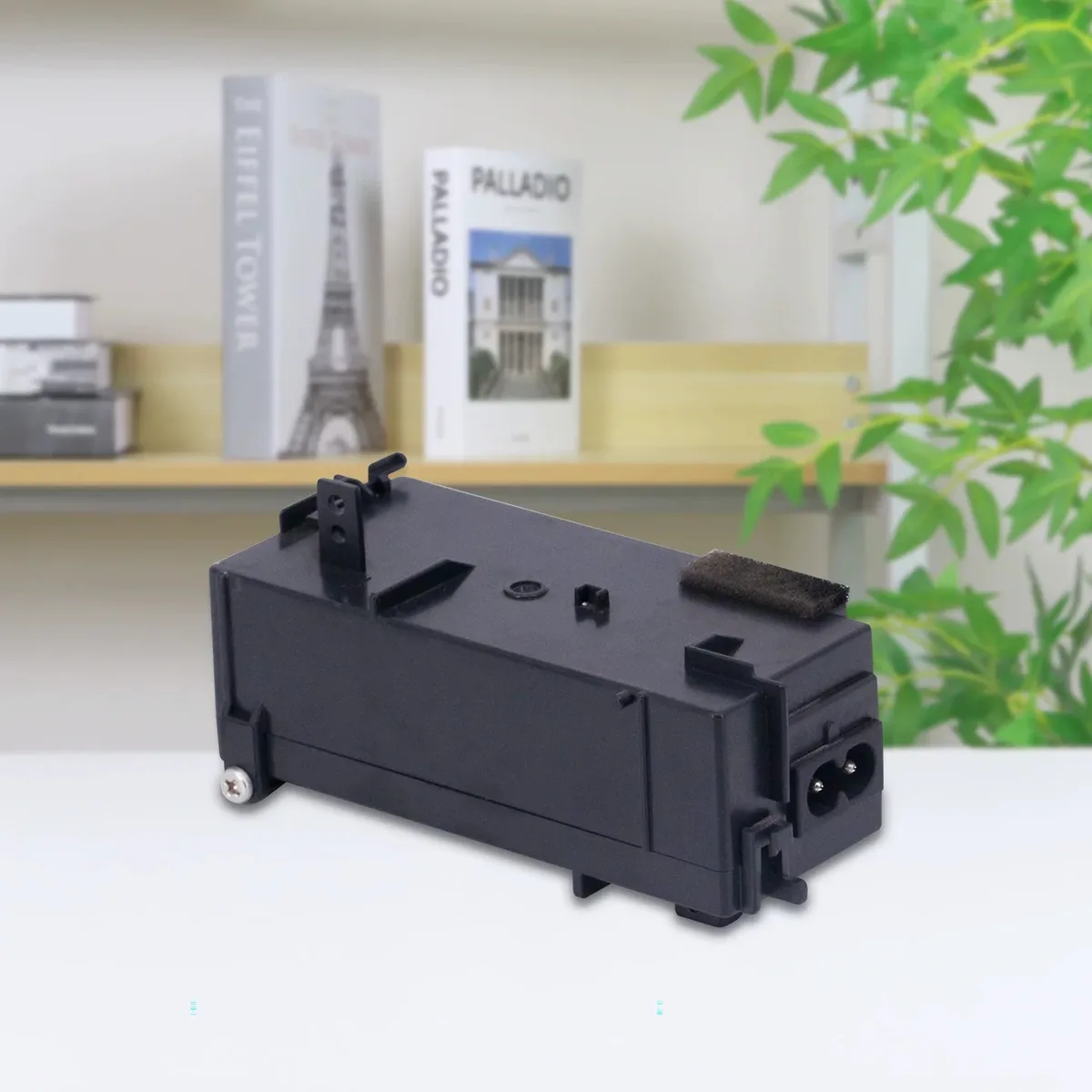
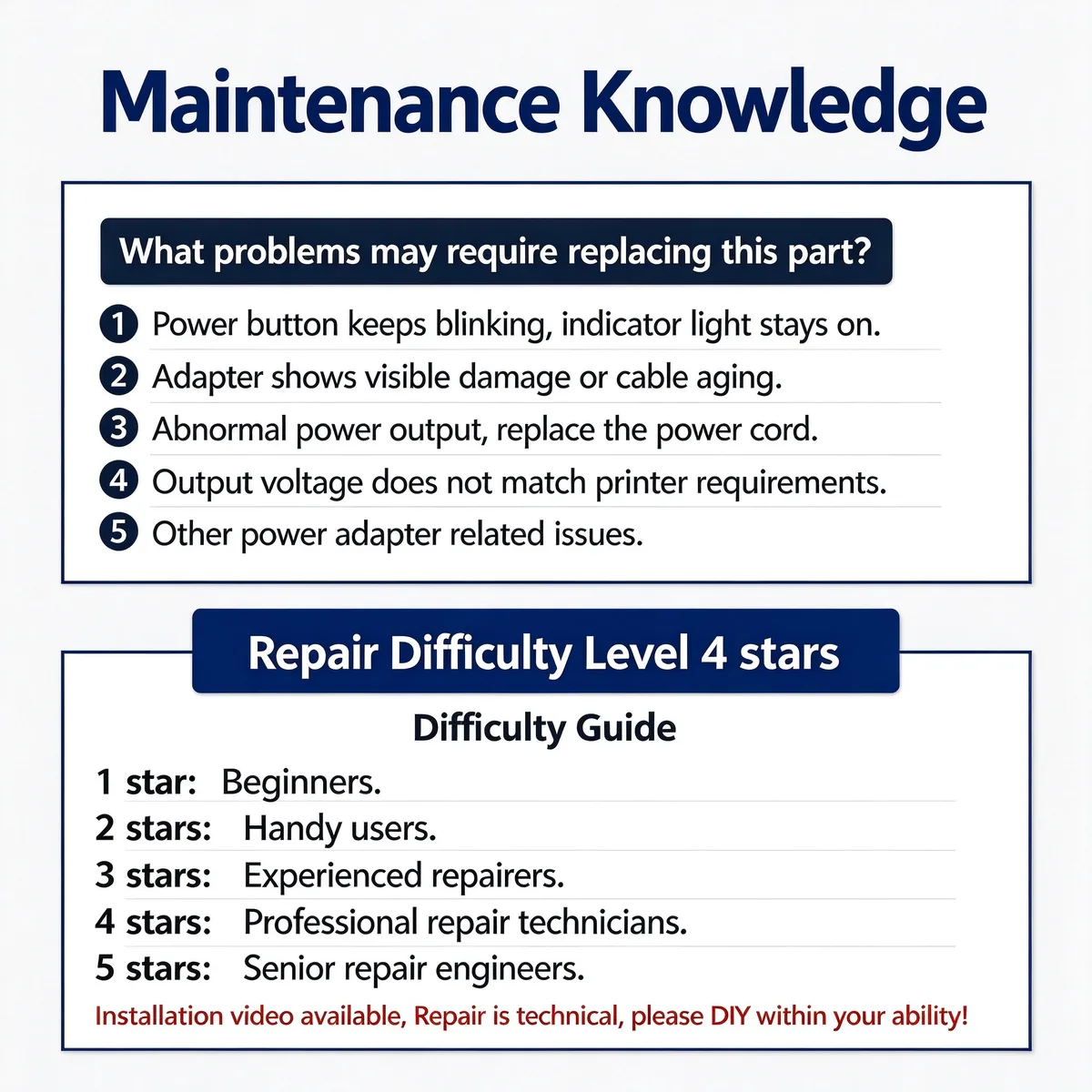
Power Supply / Adapter — This unit supplies the DC rails the printer runs on. Confirm the output before ordering — a board fault and an adapter fault present identically.
This replacement power adapter supplies stable DC power to compatible Epson L-series ink tank printers. It fixes intermittent power, no-power, or blinking indicator light issues. Built-in over-voltage and short-circuit protection.
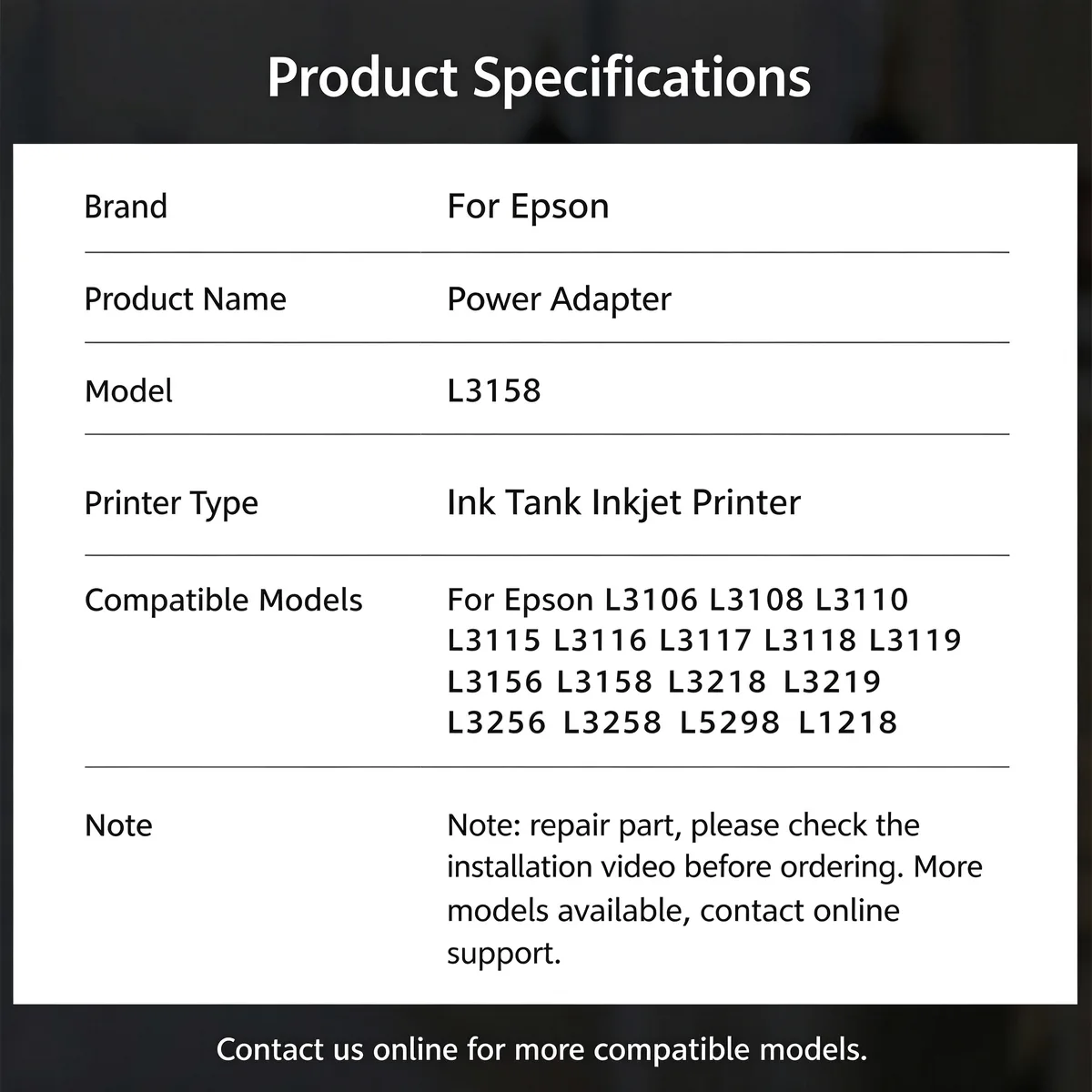
For Epson L3158 Power Adapter fits Epson L3106, L3108, L3110, L3115 and 12 more listed below. Not suitable for: A different input voltage region without confirming the rating — this is the most common ordering error. Match the part number to your machine before ordering.
Updated: 2026-09-26 · Technical review for power supply / adapters
| Parameter | Value | Condition / method |
|---|---|---|
| Input | Region-specific AC input | Match to destination market |
| Output | OE-matched voltage and current rating | Under load on host machine |
| Protection | Over-current and over-voltage protection fitted | Bench test |
| Connector | OE-matched plug and pinout | Fitment check |
| Compliance | RoHS / REACH; CE marking where the market requires it | Supplier declaration per batch |
| Printer model | Status |
|---|---|
| Epson L3106 | Verified fitment |
| L3108 | Verified fitment |
| L3110 | Verified fitment |
| L3115 | Verified fitment |
| L3116 | Verified fitment |
| L3117 | Verified fitment |
| L3118 | Verified fitment |
| L3119 | Verified fitment |
| L3156 | Verified fitment |
| L3158 | Verified fitment |
| L3218 | Verified fitment |
| L3219 | Verified fitment |
| L3256 | Verified fitment |
| L3258 | Verified fitment |
| L5298 | Verified fitment |
| L1218 | Verified fitment |
If your machine is not listed, send us the model and a photo of the original part — parts that look alike within the same family are frequently not interchangeable.
| Symptom | Mechanism |
|---|---|
| Printer is completely dead | No output — check the input fuse first |
| Machine restarts under load | Output sagging below rating |
| Burning smell or a bulged capacitor | Unit has failed; replace before further use |
Match the input voltage to your market before fitting. Discharge the board before handling and confirm the pinout matches the original — connectors with the same shape are not always wired the same.
Q: Which input voltage do I need?
A: Tell us the destination country. Stock covers the common 110 V and 220 V regions; confirm before ordering.
Q: What is the MOQ?
A: 50 pcs per part number.
Q: Is it load-tested?
A: Yes — output is checked under load on the host machine type before packing.
Send your enquiry — quote within 12 hours
Test the output before ordering anything. No output at the connector with good input means the supply has failed. Correct output with a dead machine points to the main board instead.
Only if the unit is rated for it. Check the label rather than assuming — a wide-input unit is marked with the full range, and a fixed-input one is not.
Yes. We ship by sea, air and express to North America, Europe, South America, the Middle East and South-East Asia, and we handle export documentation. Send the destination port or airport and the quantity, and we will quote FOB, CIF or DDP as you prefer.
Parts are warranted against manufacturing defects and are bench-tested on the host machine type before packing. Fitment-related claims need the part reported before installation. Send us the part number and quantity and we will state the exact term for that item in writing.
Stock items ship in 15–30 days; new tooling takes 30–45 days. We ship by sea, air and express under FOB, CIF or DDP Incoterms, and payment is T/T or L/C at sight. Give us the destination port and quantity for a firm schedule.
Yes. Custom logo, printed polybag, blister or retail box are all available, and we can tool new compounds or geometries from a drawing or sample. Minimum quantities for custom work are higher than for stock parts — send the specification and we will quote both.
Browse the full printer spare parts catalog, or see how we manufacture and test.
Bulk & Mixed Batch · Reply within 12h