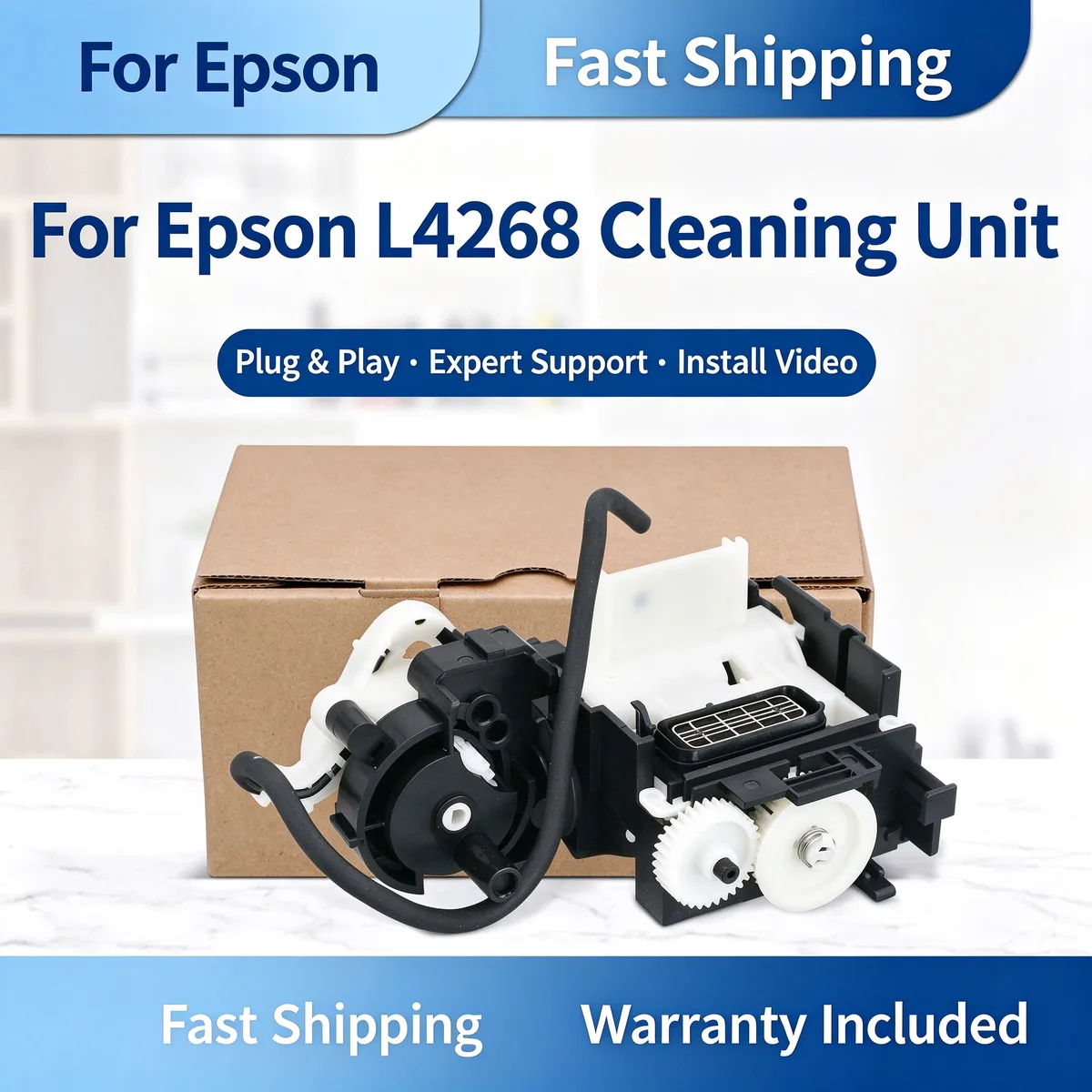
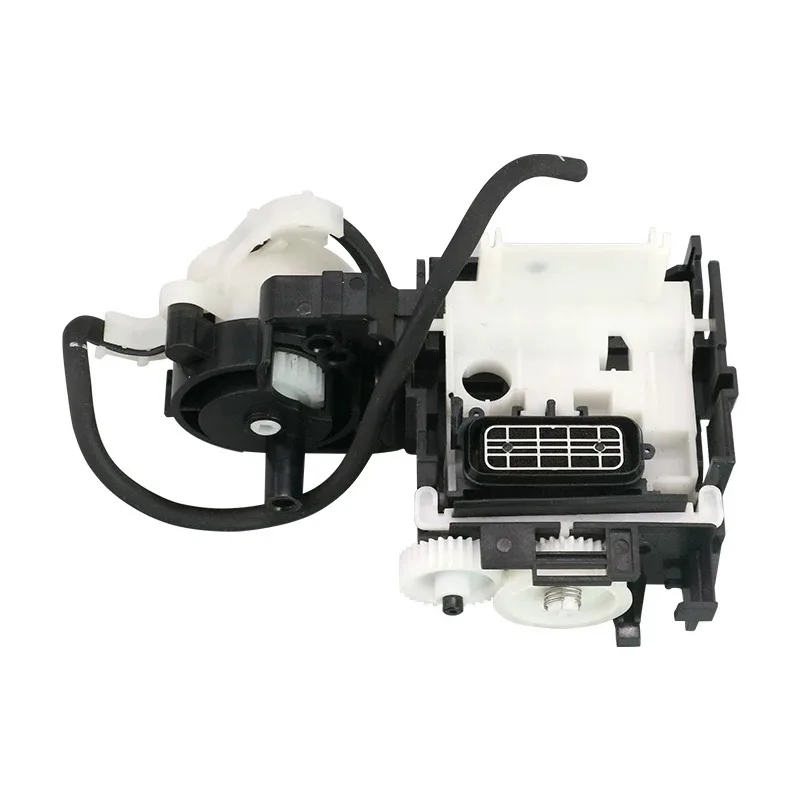
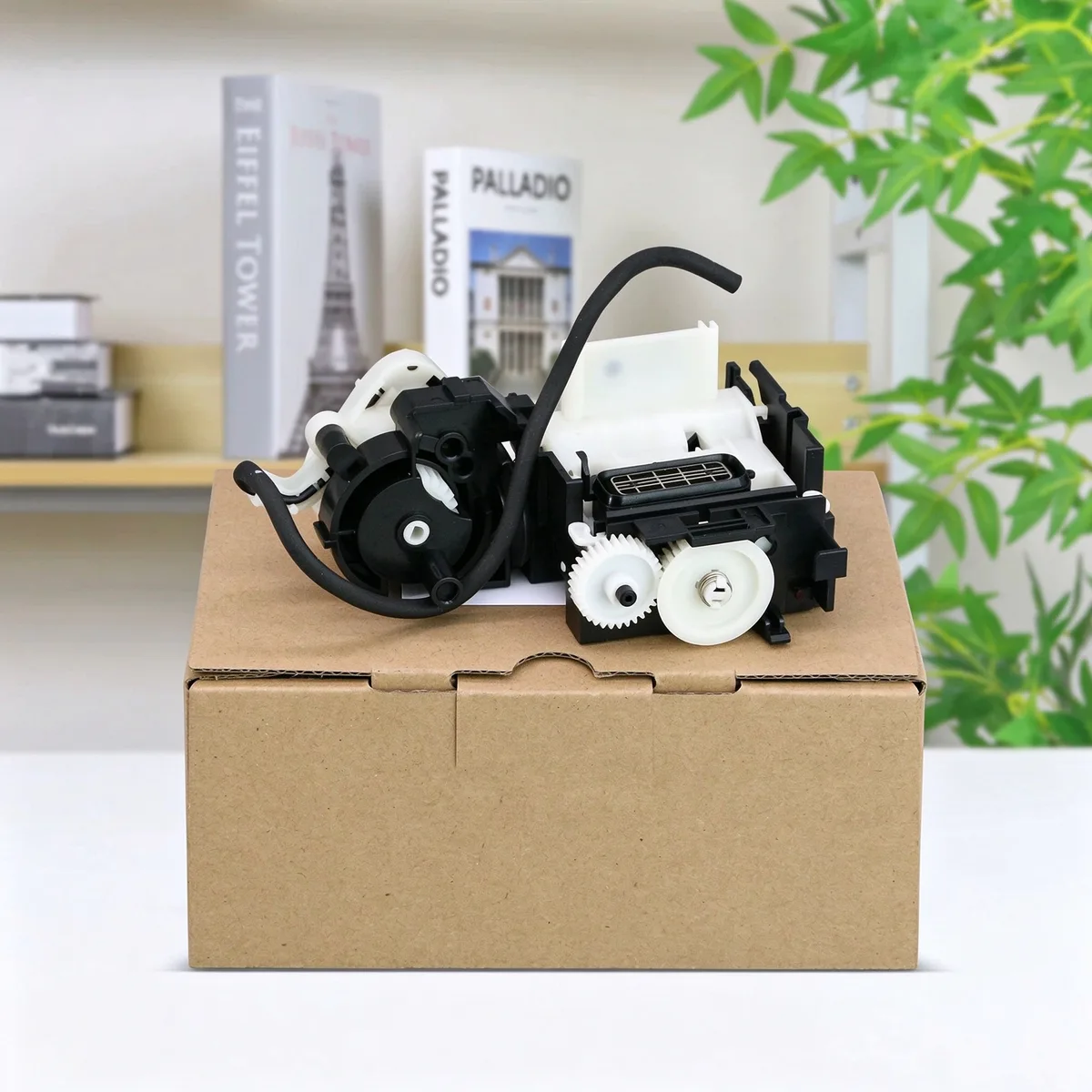
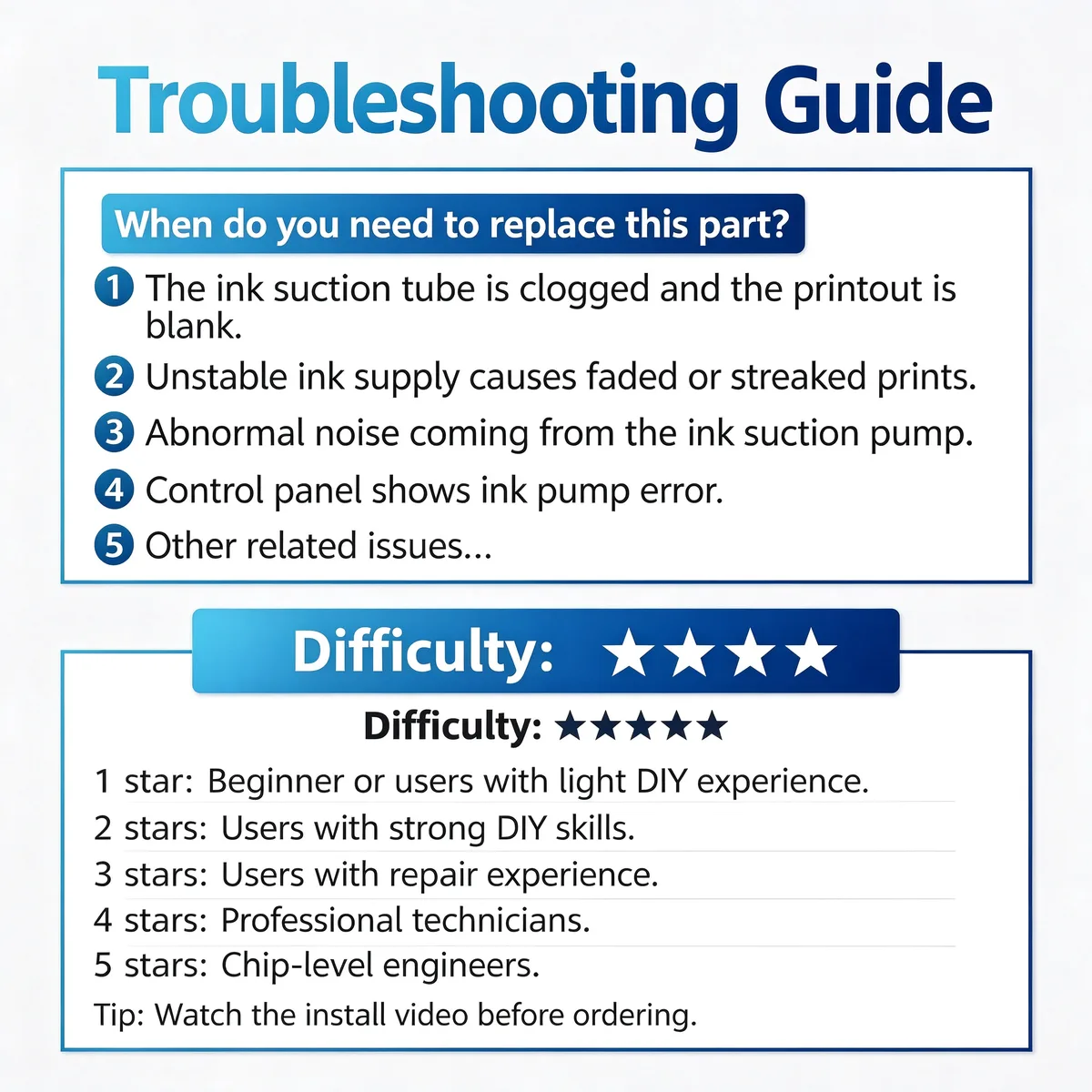
Cleaning Unit / Ink Suction Pump — The cleaning unit draws ink through the head during maintenance cycles and parks the head against a cap. A failed one shows up as clogged nozzles that cleaning cycles will not clear.
This cleaning unit ink suction pump maintains stable ink flow and prevents print head clogging on compatible Epson L-series ink tank printers. It restores print quality and resolves faded or streaked prints caused by ink supply issues.
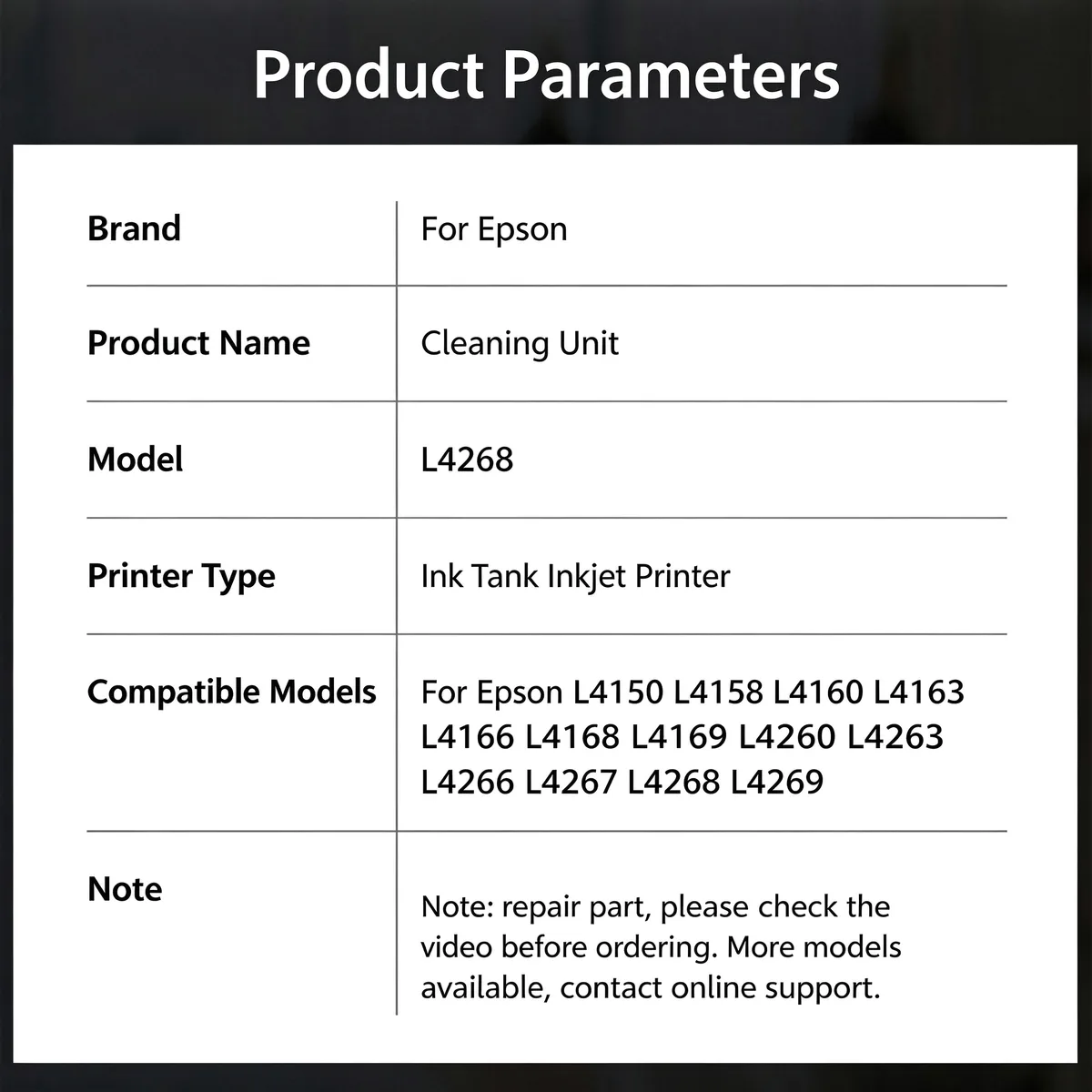
For Epson L4268 Cleaning Unit Ink Suction Pump fits Epson L4150, L4158, L4160, L4163 and 9 more listed below. Not suitable for: Pigment ink conversions without confirming seal compatibility. Match the part number to your machine before ordering.
Updated: 2026-09-26 · Technical review for cleaning unit / ink suction pumps
| Parameter | Value | Condition / method |
|---|---|---|
| Cap seal | Silicone or EPDM, OE-matched durometer | Durometer check |
| Tubing | EPDM or silicone, OE-matched bore | Dimensional check |
| Pump action | Restores rated suction on the host model | Bench test on host machine |
| Chemical resistance | Stable against the host ink set | Material compatibility data |
| Compliance | RoHS / REACH | Supplier declaration per batch |
| Printer model | Status |
|---|---|
| Epson L4150 | Verified fitment |
| L4158 | Verified fitment |
| L4160 | Verified fitment |
| L4163 | Verified fitment |
| L4166 | Verified fitment |
| L4168 | Verified fitment |
| L4169 | Verified fitment |
| L4260 | Verified fitment |
| L4263 | Verified fitment |
| L4266 | Verified fitment |
| L4267 | Verified fitment |
| L4268 | Verified fitment |
| L4269 | Verified fitment |
If your machine is not listed, send us the model and a photo of the original part — parts that look alike within the same family are frequently not interchangeable.
| Symptom | Mechanism |
|---|---|
| Nozzle check shows gaps that cleaning will not clear | Suction is not reaching the head |
| Ink pooling around the cap | Seal has failed or the waste line is blocked |
| Head cleaning runs but nothing is drawn | Pump or tubing is blocked or split |
| Printer reports a maintenance error after cleaning | Unit has failed to complete the cycle |
Disconnect the waste tube before removing the unit and note its routing. After fitting, run two cleaning cycles and re-check the nozzle pattern before returning the machine to service.
Q: Is tubing included?
A: Tubing is supplied with the unit where the model uses a one-piece assembly; ask for it separately when it is a serviceable part.
Q: What is the MOQ?
A: 100 pcs per part number.
Q: Do you test suction before shipping?
A: Yes — units are bench-run on the host machine type before packing.
Send your enquiry — quote within 12 hours
If the clog survives several cleaning cycles, yes it usually will. A worn cap seal or split tubing means the pump never develops enough suction to pull ink through, so the head stays clogged no matter how many cycles you run.
Check the waste tube routing first. It is the most common cause. If the tube is correctly routed and seated, inspect the cap seal for a fold — a rolled seal leaks from the first cycle.
Yes. We ship by sea, air and express to North America, Europe, South America, the Middle East and South-East Asia, and we handle export documentation. Send the destination port or airport and the quantity, and we will quote FOB, CIF or DDP as you prefer.
Parts are warranted against manufacturing defects and are bench-tested on the host machine type before packing. Fitment-related claims need the part reported before installation. Send us the part number and quantity and we will state the exact term for that item in writing.
Stock items ship in 15–30 days; new tooling takes 30–45 days. We ship by sea, air and express under FOB, CIF or DDP Incoterms, and payment is T/T or L/C at sight. Give us the destination port and quantity for a firm schedule.
Yes. Custom logo, printed polybag, blister or retail box are all available, and we can tool new compounds or geometries from a drawing or sample. Minimum quantities for custom work are higher than for stock parts — send the specification and we will quote both.
Browse the full printer spare parts catalog, or see how we manufacture and test.
Bulk & Mixed Batch · Reply within 12h