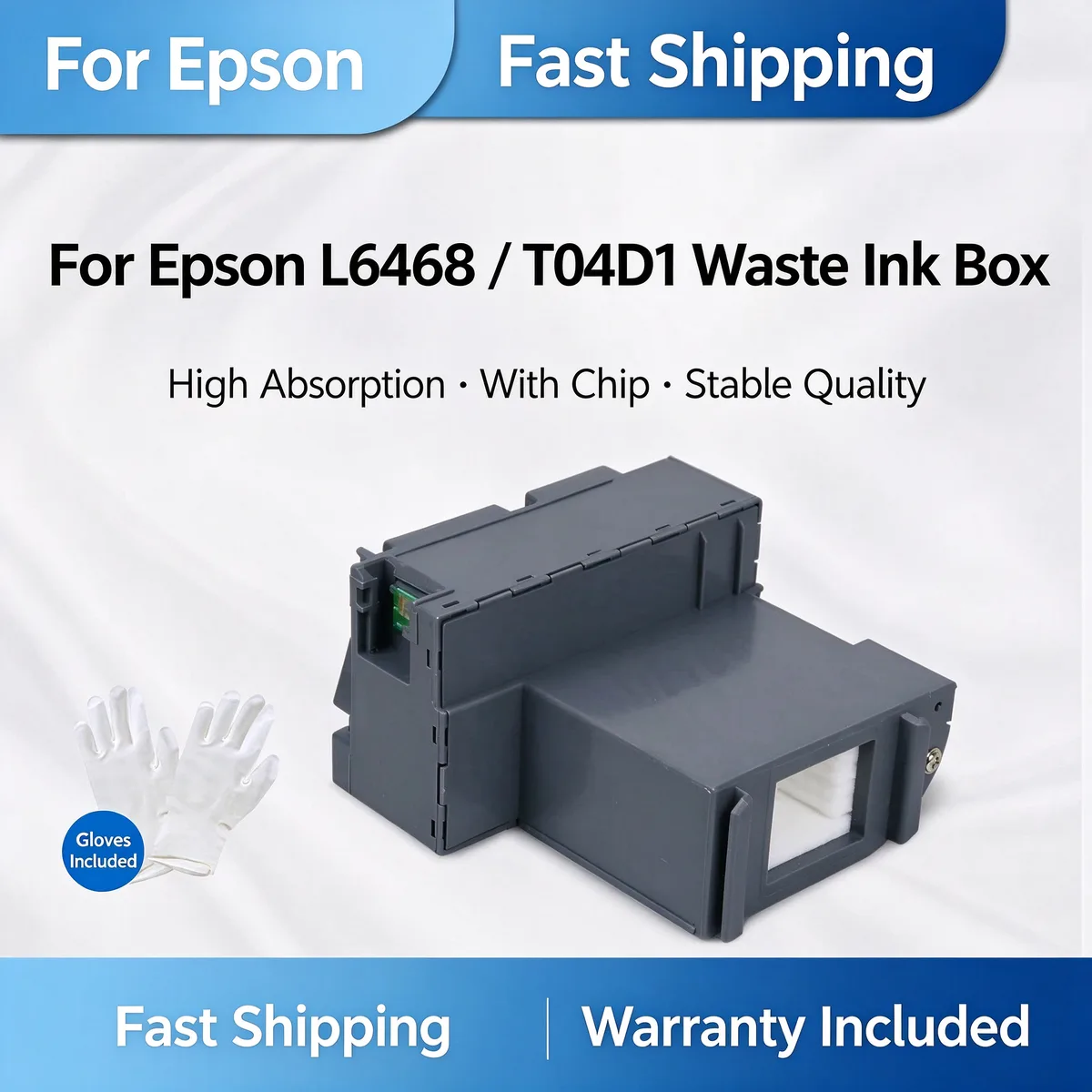
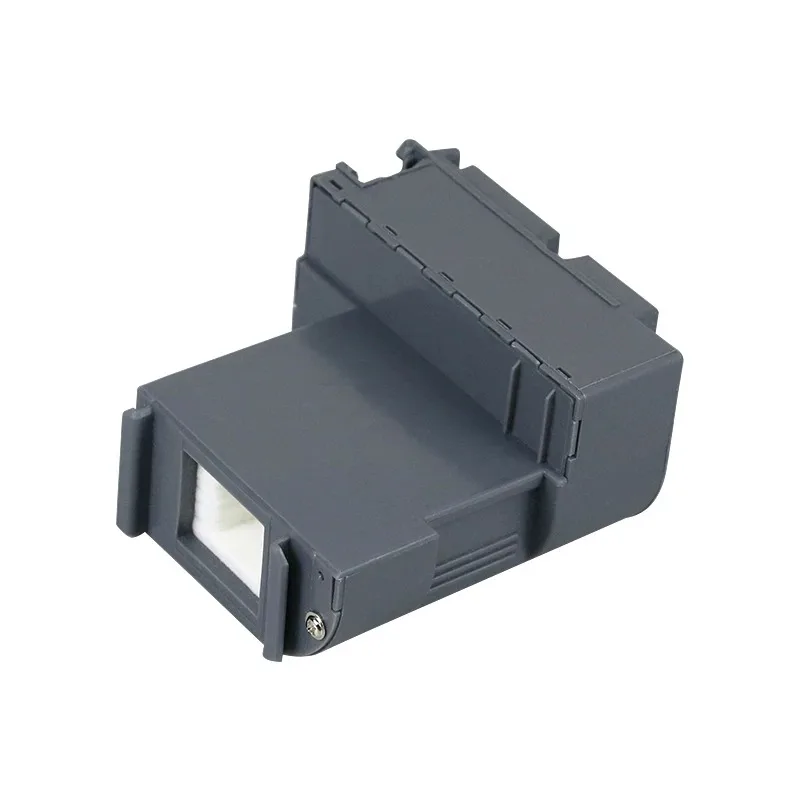
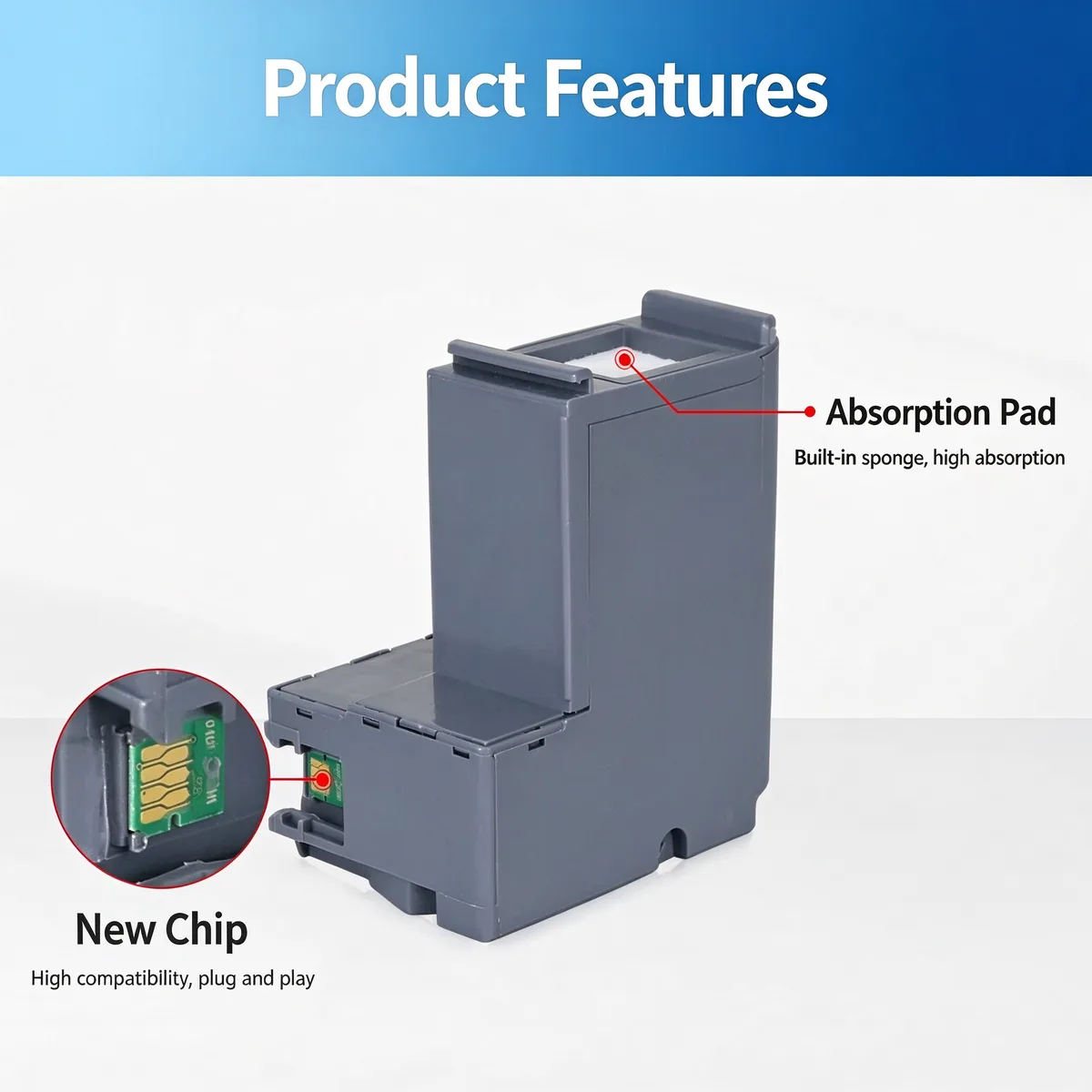
Waste Ink Pad — A waste ink pad absorbs ink discharged during head cleaning and borderless printing. It is saturated, not broken — once the counter trips, the pad must be replaced or reset, not cleaned.
This T04D1 maintenance waste ink box collects excess ink during print head cleaning on compatible Epson L-series ink tank printers. It prevents waste ink overflow and counter errors. High absorption sponge, new chip, gloves included for clean installation.
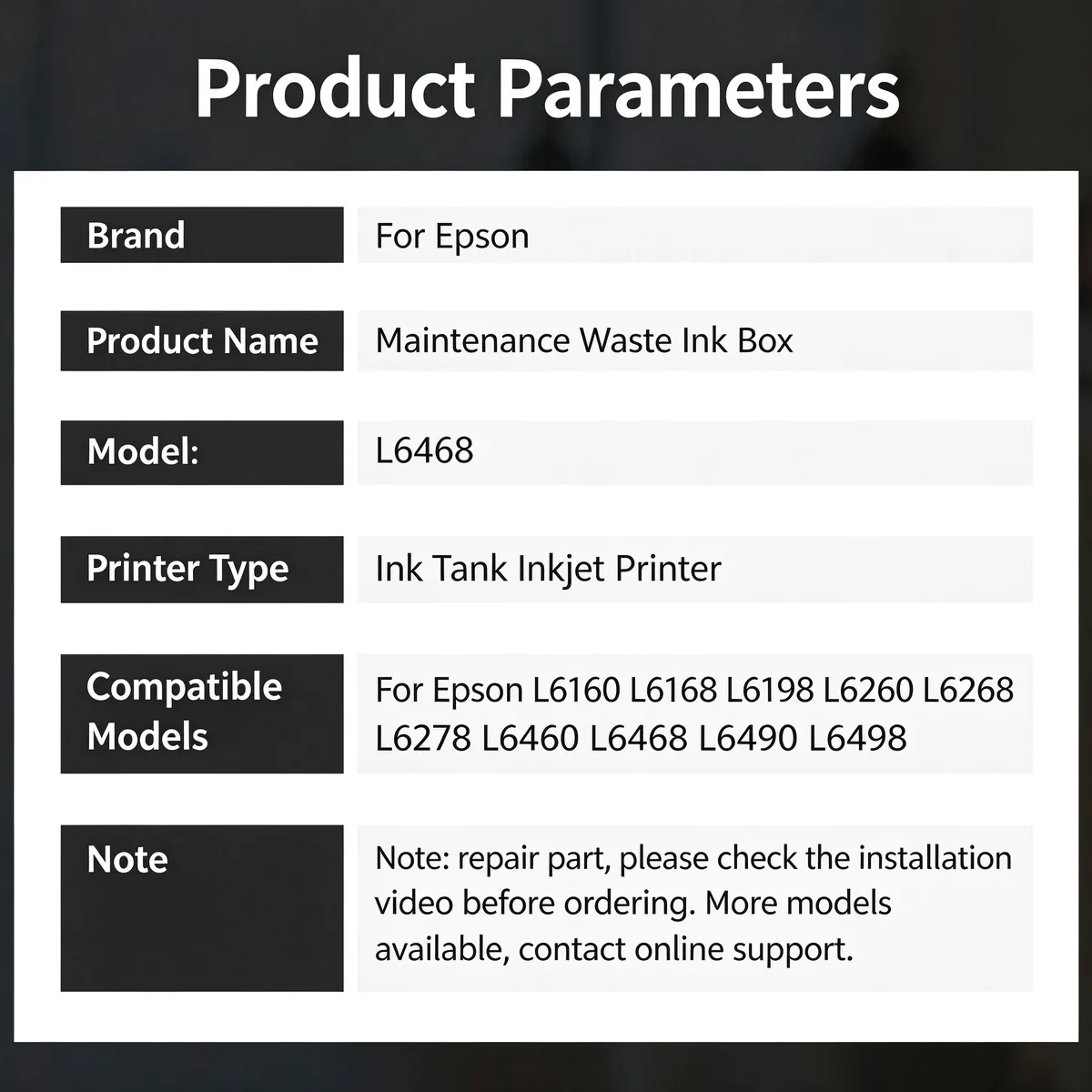
For Epson L6468 T04D1 Maintenance Waste Ink Box fits Epson L6160, L6168, L6198, L6260 and 6 more listed below. Not suitable for: Models with a sealed maintenance cartridge system — those take a maintenance box instead. Match the part number to your machine before ordering.
Updated: 2026-09-26 · Technical review for waste ink pads
| Parameter | Value | Condition / method |
|---|---|---|
| Absorbent layer | Layered non-woven cellulose / polyester blend | Material spec sheet |
| Tray material | ABS or PP, OE-matched geometry | Dimensional check against the host slot |
| Absorbency | Matched to the host model's rated waste volume | Comparison against OE pad |
| Fit | Drop-in to the original slot, no modification | Trial fit on host machine |
| Compliance | RoHS / REACH | Supplier declaration per batch |
| Printer model | Status |
|---|---|
| Epson L6160 | Verified fitment |
| L6168 | Verified fitment |
| L6198 | Verified fitment |
| L6260 | Verified fitment |
| L6268 | Verified fitment |
| L6278 | Verified fitment |
| L6460 | Verified fitment |
| L6468 | Verified fitment |
| L6490 | Verified fitment |
| L6498 | Verified fitment |
If your machine is not listed, send us the model and a photo of the original part — parts that look alike within the same family are frequently not interchangeable.
| Symptom | Mechanism |
|---|---|
| Printer displays a maintenance or waste ink full error | Counter has reached its limit |
| Ink pooling under the machine | Pad is saturated beyond capacity |
| Streaks or smears on the page bottom edge | Waste ink is backing up toward the head path |
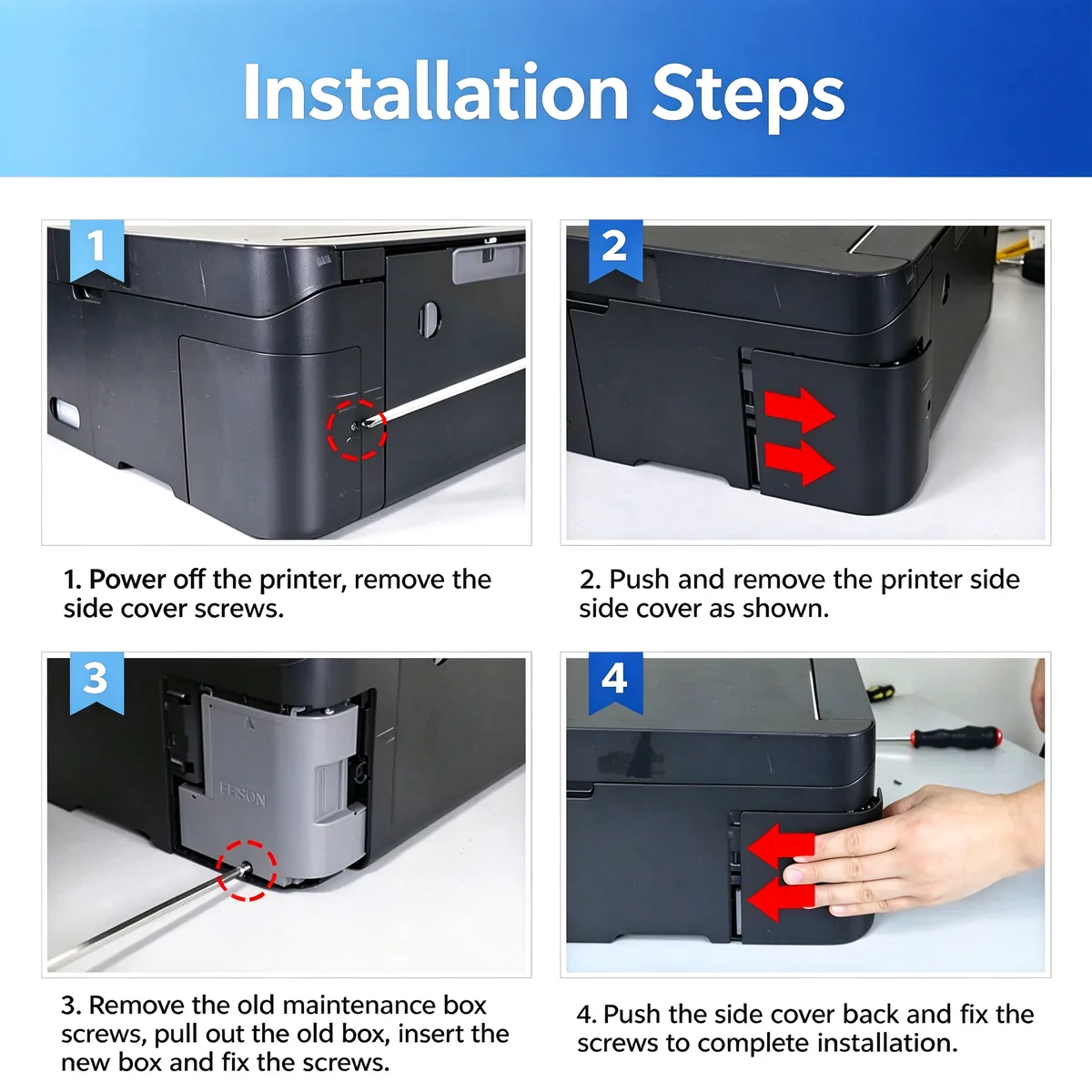
Power the machine off and unplug it before opening the case. Wear gloves — waste ink stains permanently. Seat the new pad fully in the tray, then run the reset procedure for your specific model. The pad alone will not clear a tripped counter on most models.
Q: Does it come with a reset chip or reset instructions?
A: Reset method varies by model. Tell us your printer model and market region and we will confirm whether a chip, a service-tool reset, or a firmware procedure applies.
Q: What is the MOQ?
A: 300 pcs per model. Mixed models accepted from 1,000 pcs total.
Q: Is the absorbency the same as the original?
A: Yes — it is matched to the host model's rated waste volume, not a generic pad cut to size.
Send your enquiry — quote within 12 hours
On most models, yes. The counter tracks cleaning cycles rather than actual saturation, so it keeps reporting full until it is reset. The procedure differs by brand and sometimes by region — send us the exact model and we will tell you which method applies.
You can, but it is a short-term workaround. Washing does not restore the original absorbency and the dried ink leaves the layer uneven. For a service business the comeback cost is higher than the part.
Yes. We ship by sea, air and express to North America, Europe, South America, the Middle East and South-East Asia, and we handle export documentation. Send the destination port or airport and the quantity, and we will quote FOB, CIF or DDP as you prefer.
Parts are warranted against manufacturing defects and are bench-tested on the host machine type before packing. Fitment-related claims need the part reported before installation. Send us the part number and quantity and we will state the exact term for that item in writing.
Stock items ship in 15–30 days; new tooling takes 30–45 days. We ship by sea, air and express under FOB, CIF or DDP Incoterms, and payment is T/T or L/C at sight. Give us the destination port and quantity for a firm schedule.
Yes. Custom logo, printed polybag, blister or retail box are all available, and we can tool new compounds or geometries from a drawing or sample. Minimum quantities for custom work are higher than for stock parts — send the specification and we will quote both.
Browse the full printer spare parts catalog, or see how we manufacture and test.
Bulk & Mixed Batch · Reply within 12h