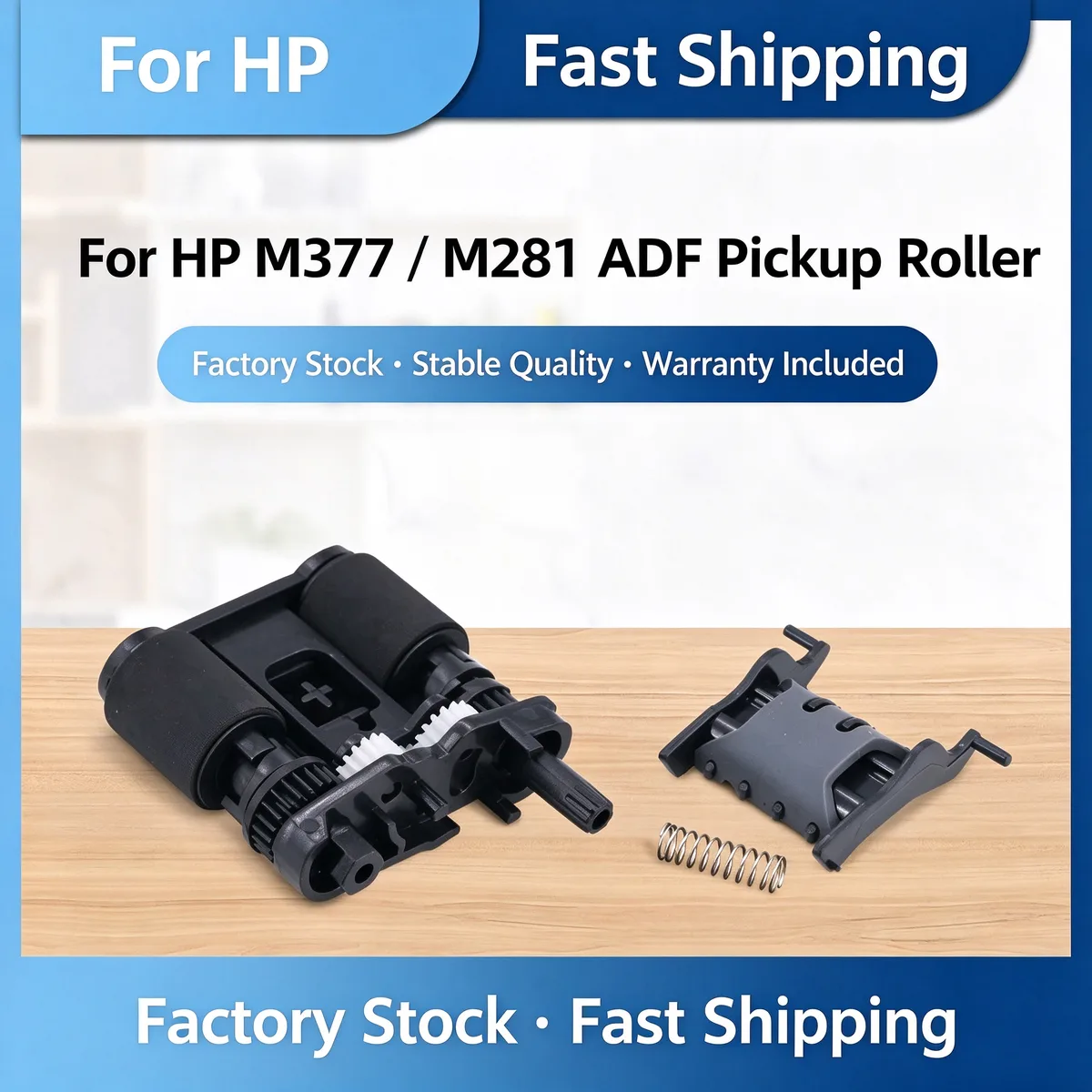
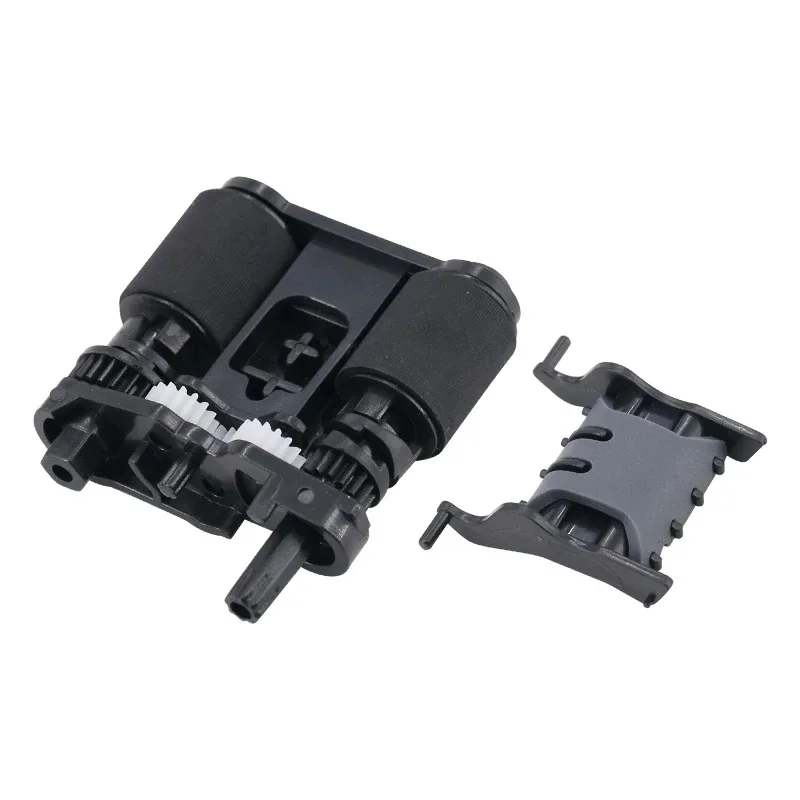
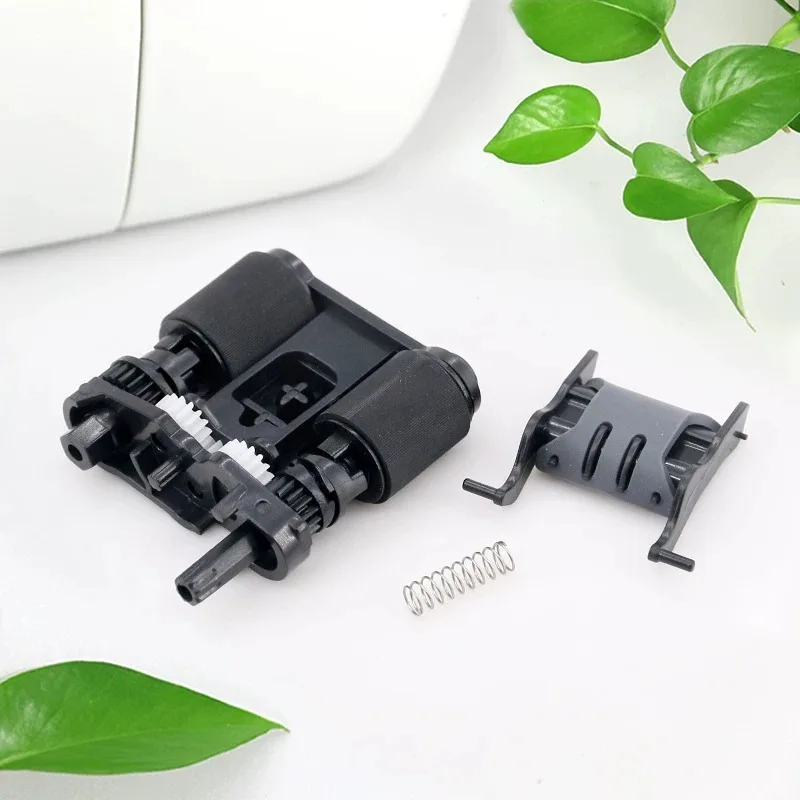
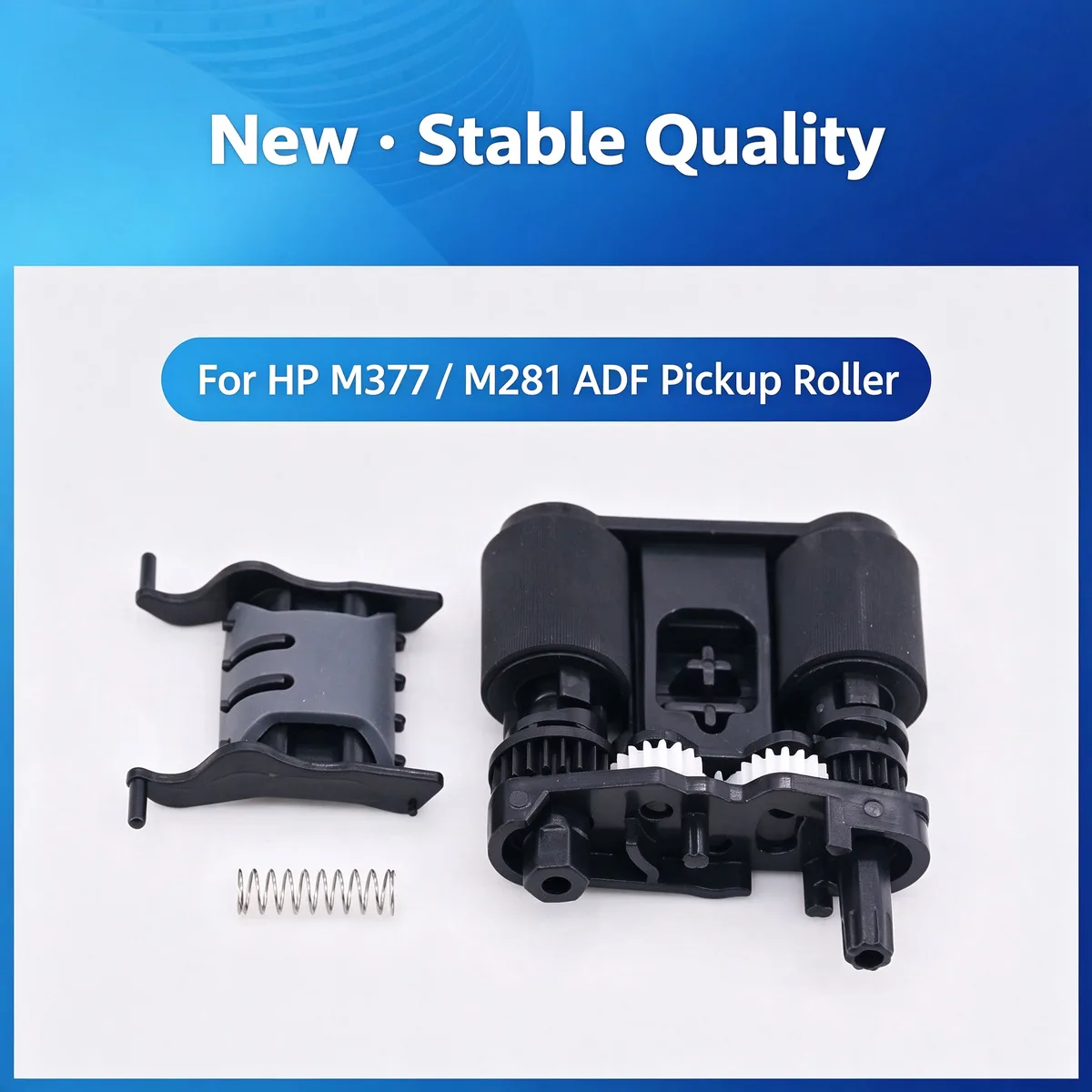
Pickup Roller — A pickup roller pulls one sheet at a time from the paper tray into the feed path. Replace it when the rubber surface glazes over — not simply because the printer reported a jam code.
This ADF pickup roller restores automatic document feeder paper feeding for compatible HP laser printers. It solves misfeeds and double-feed issues in the scanner. Direct fit, easy installation.
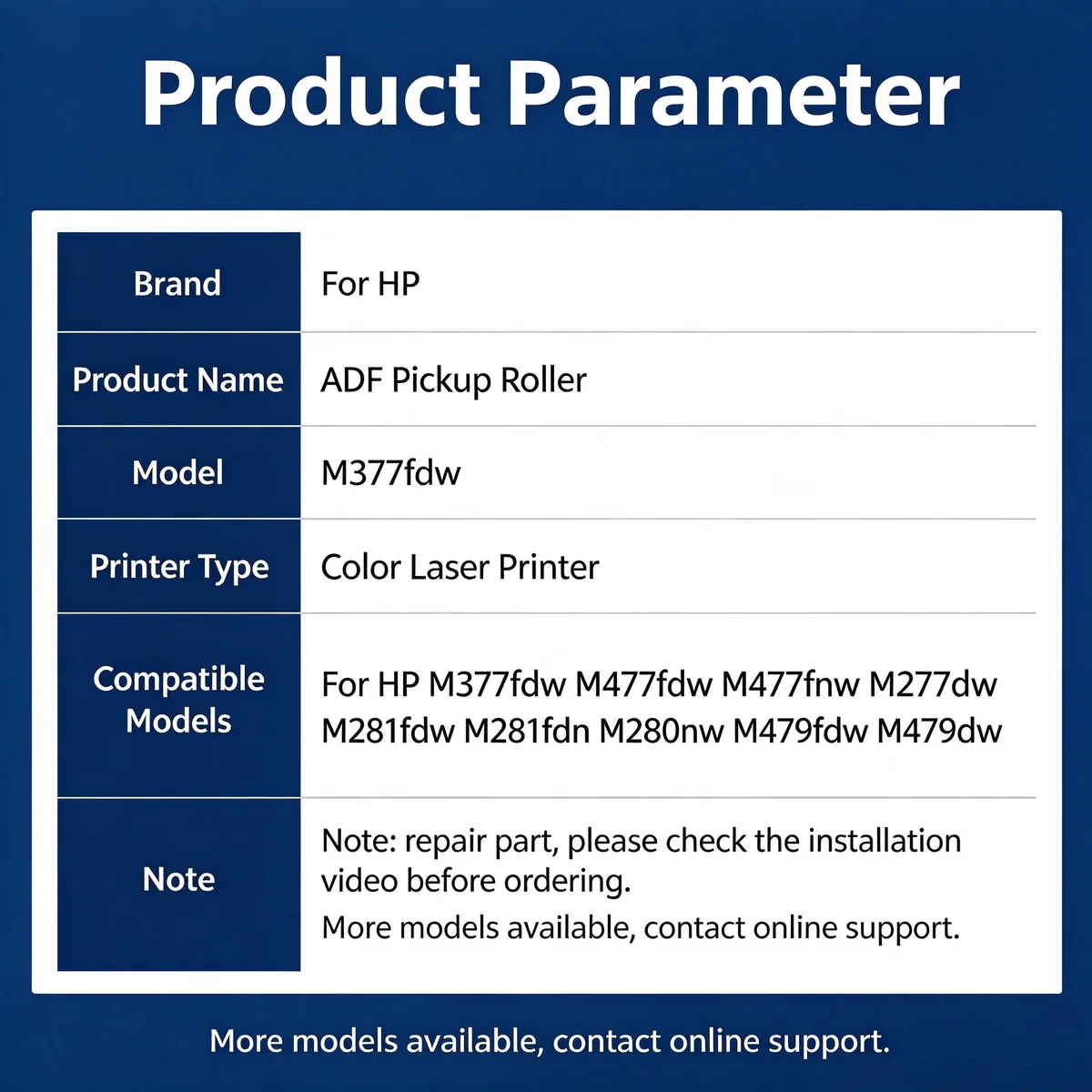
For HP M377fdw ADF Pickup Roller fits HP M1213, M128fn, M128fw, M128fp and 1 more listed below. Not suitable for: Coated stock above 200 gsm, or permanent operation above 40 °C / 80 % RH — the tyre compound hardens faster and needs a change. Match the part number to your machine before ordering.
Updated: 2026-09-26 · Technical review for pickup rollers
| Parameter | Value | Condition / method |
|---|---|---|
| Tyre material | NBR or PU, durometer typically 50–60 Shore A | Measured on the tyre surface, 23 °C |
| Outside diameter | Matched to OE within ±0.15 mm | Vernier caliper, 3-point average |
| Concentricity | Held within 0.05 mm TIR | Dial indicator on the shaft bore |
| Service life | Typically 50,000–150,000 sheets | 75 gsm plain paper, 23 °C / 50 % RH |
| Compliance | RoHS / REACH | Supplier declaration per batch |
| Printer model | Status |
|---|---|
| HP M1213 | Verified fitment |
| M128fn | Verified fitment |
| M128fw | Verified fitment |
| M128fp | Verified fitment |
| M127fn | Verified fitment |
If your machine is not listed, send us the model and a photo of the original part — parts that look alike within the same family are frequently not interchangeable.
| Symptom | Mechanism |
|---|---|
| Repeated misfeed or 'no paper' error with a full tray | Glazed tyre has lost friction coefficient |
| Multiple sheets feeding at once | Worn tyre no longer separates; check the separation pad too |
| Paper skew or diagonal feed | Uneven tyre wear or a worn one-way clutch on the shaft |
| Visible shiny / polished rubber surface | Surface has hardened — cleaning will not restore it |
Release the shaft retainer, slide the old tyre off, and press the new one on by hand. Do not touch the rubber surface with bare fingers — skin oil accelerates glazing. Replace the separation pad at the same time; the two wear as a pair.
Q: What is the MOQ?
A: 500 pcs per model for stocked items. Mixed models in one order is accepted from 1,000 pcs total.
Q: Can I get a sample before ordering?
A: Yes. Samples ship in 3–7 days and the sample fee is credited against your first bulk order.
Q: Do you make custom durometer or sizes?
A: Yes. Send the drawing or a sample part; tooling for a new compound takes 15–30 days.
Q: How is it packed?
A: Individual PE bag, then export carton. Retail blister or printed polybag is available with your artwork.
Send your enquiry — quote within 12 hours
Cleaning restores friction only while the surface is still matte. Run a fingernail across the tyre — if it feels glossy and hard, the compound has glazed and cleaning is a temporary fix at best. Replace it, and replace the separation pad in the same service visit.
The separation pad is the second half of the feed system. A new roller has higher friction than the old one, so a worn pad can no longer hold the stack back. Fitting both together is the standard fix.
Not universally. Foam tyres grip better on glossy stock but wear faster on plain paper. Tell us your media and monthly volume and we will recommend the compound rather than defaulting to one.
Yes. We ship by sea, air and express to North America, Europe, South America, the Middle East and South-East Asia, and we handle export documentation. Send the destination port or airport and the quantity, and we will quote FOB, CIF or DDP as you prefer.
Parts are warranted against manufacturing defects and are bench-tested on the host machine type before packing. Fitment-related claims need the part reported before installation. Send us the part number and quantity and we will state the exact term for that item in writing.
Stock items ship in 15–30 days; new tooling takes 30–45 days. We ship by sea, air and express under FOB, CIF or DDP Incoterms, and payment is T/T or L/C at sight. Give us the destination port and quantity for a firm schedule.
Yes. Custom logo, printed polybag, blister or retail box are all available, and we can tool new compounds or geometries from a drawing or sample. Minimum quantities for custom work are higher than for stock parts — send the specification and we will quote both.
Browse the full printer spare parts catalog, or see how we manufacture and test.
Bulk & Mixed Batch · Reply within 12h