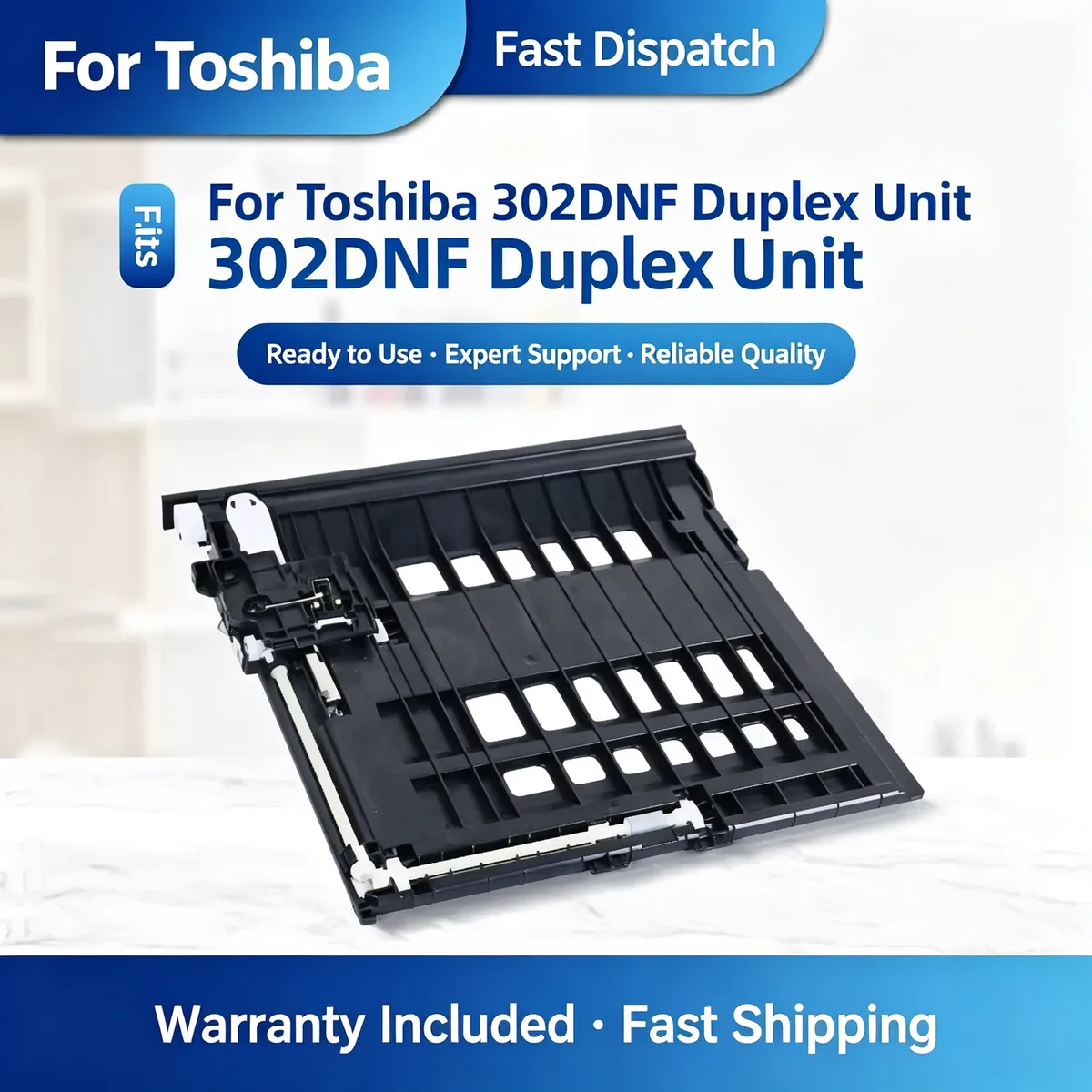
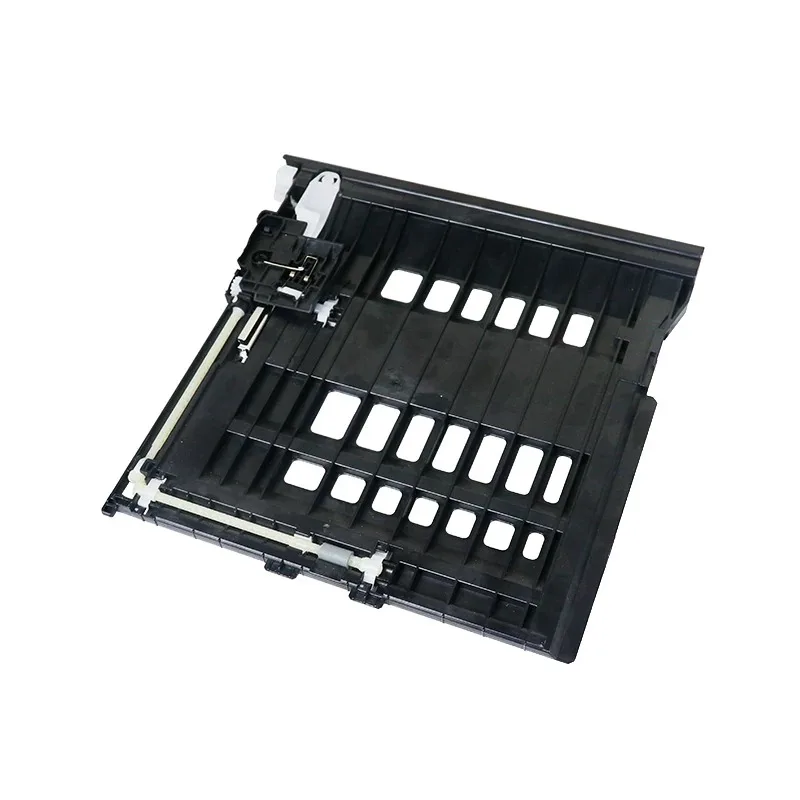
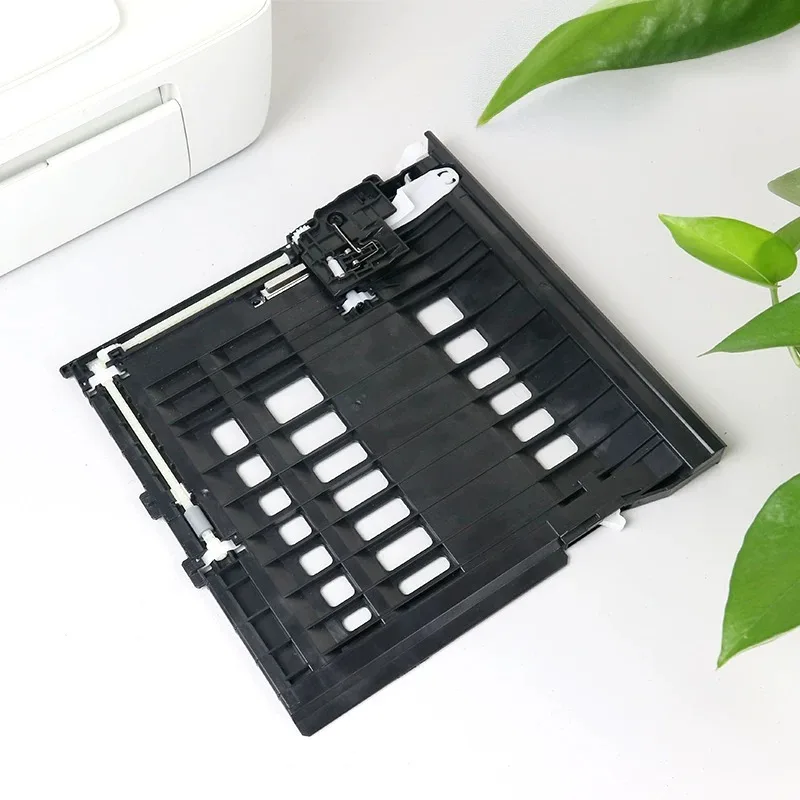
Duplex Unit — A duplex unit turns the sheet and feeds it back for the second side. Most duplex faults are feed-path faults — check the rollers and the path before condemning the whole unit.
This duplex unit enables automatic two-sided printing on compatible Toshiba and Konica Minolta printers. It replaces a jam-prone or broken duplex assembly. Durable plastic and gear train. Restores full duplex functionality.
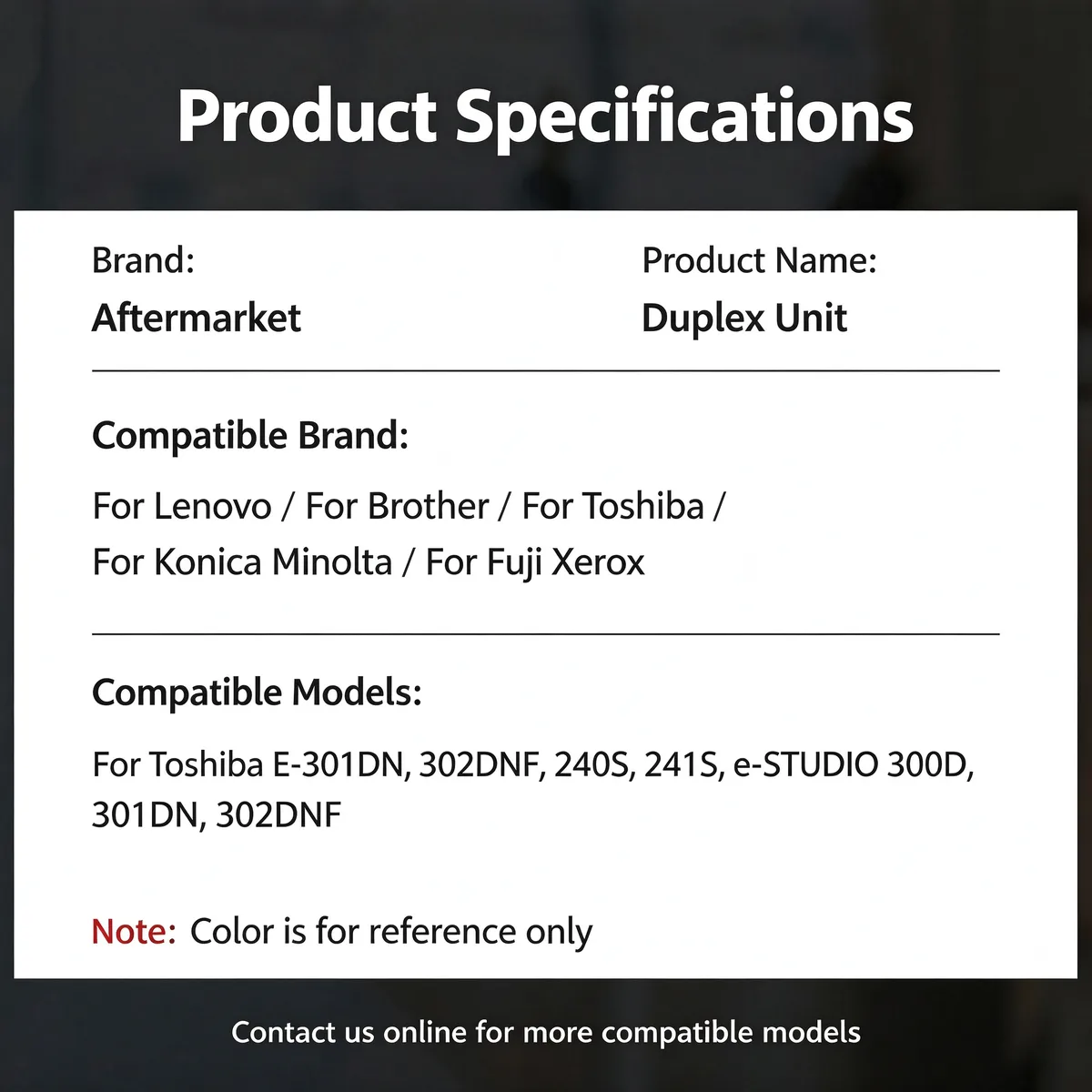
For Toshiba 302DNF Duplex Unit fits Toshiba 302DNF, 300D, 301DN, Konica Minolta bizhub 2600P and 2 more listed below. Not suitable for: Machines where the jam is caused by the fuser exit area — the symptom looks identical but the fix is different. Match the part number to your machine before ordering.
Updated: 2026-09-26 · Technical review for duplex units
| Parameter | Value | Condition / method |
|---|---|---|
| Housing | ABS or PC, OE-matched mounting points | Fitment check |
| Rollers | Replaced as a set with the unit | Visual and friction check |
| Gear train | POM gears on steel shafts | Run test on host machine |
| Cycle rating | Matched to the host model duty cycle | Bench run |
| Compliance | RoHS / REACH | Supplier declaration per batch |
| Printer model | Status |
|---|---|
| Toshiba 302DNF | Verified fitment |
| 300D | Verified fitment |
| 301DN | Verified fitment |
| Konica Minolta bizhub 2600P | Verified fitment |
| 3000MF | Verified fitment |
| 3080MF | Verified fitment |
If your machine is not listed, send us the model and a photo of the original part — parts that look alike within the same family are frequently not interchangeable.
| Symptom | Mechanism |
|---|---|
| Paper jams inside the duplex path | Worn rollers or a damaged path guide |
| Second side prints upside down or offset | Timing or path alignment is off |
| Grinding noise during duplex | Gear train is worn or cracked |
| Duplex option greyed out | Unit not detected — check the connector before replacing |
Confirm the connector is seated before assuming the unit is dead — most 'failed' duplex units are simply unplugged. Slide the unit out along its guides; do not force it, the path guides break easily.
Q: Complete unit or just the rollers?
A: Both are stocked. Send the fault symptoms and we will tell you which one actually fixes it.
Q: What is the MOQ?
A: 50 pcs for complete units, 200 pcs for roller sets.
Q: Lead time?
A: 15–30 days for stock units.
Send your enquiry — quote within 12 hours
Start with the rollers. Most duplex jams trace to worn feed rubber rather than a failed mechanism. Replace the whole unit when the housing is cracked, the gear train is noisy, or the machine does not detect it at all.
Check the harness and the main board connector first. A unit that is fitted but not detected almost always has a connection fault rather than a second faulty part.
Yes. We ship by sea, air and express to North America, Europe, South America, the Middle East and South-East Asia, and we handle export documentation. Send the destination port or airport and the quantity, and we will quote FOB, CIF or DDP as you prefer.
Parts are warranted against manufacturing defects and are bench-tested on the host machine type before packing. Fitment-related claims need the part reported before installation. Send us the part number and quantity and we will state the exact term for that item in writing.
Stock items ship in 15–30 days; new tooling takes 30–45 days. We ship by sea, air and express under FOB, CIF or DDP Incoterms, and payment is T/T or L/C at sight. Give us the destination port and quantity for a firm schedule.
Yes. Custom logo, printed polybag, blister or retail box are all available, and we can tool new compounds or geometries from a drawing or sample. Minimum quantities for custom work are higher than for stock parts — send the specification and we will quote both.
Browse the full printer spare parts catalog, or see how we manufacture and test.
Bulk & Mixed Batch · Reply within 12h